

This page describes the new analytics dashboard, which is rolling out to all accounts.
Install
Install shows the snippet for the selected domain, with its Public Key already in the import URL.- Pick your stack to get the snippet in the form your platform expects.
- Anonymous visitors: the snippet with
checkAnonymous(), for pages without sign-in. - Authenticated users: the snippet with
checkAuthenticatedUser(userHashedId). Pass a hashed User HID withcheckAuthenticatedUseron every signed-in page. Users, account-level risk and all four High-Risk Events are built on it. Use a hashed or pseudonymous ID, never a raw internal ID. - Snippet methods:
checkAnonymous,checkAuthenticatedUser,forceCheckAnonymousandforceCheckAuthenticatedUser.
checkAnonymous and checkAuthenticatedUser run at most one identification every five minutes for the same user in the same browser, shared across open tabs. A call inside that window posts nothing, counts nothing, and its onInitialized handler receives { status: "not_initialized" }. forceCheckAnonymous and forceCheckAuthenticatedUser run an identification every time, keep the current Session ID and restart the five-minute window.
The banner under the snippets shows whether the domain is reporting: it says identifications are arriving, with the time of the last one, once they do; Pending, with Recheck, until the first one arrives; Paused, with Open Domains, while you have paused the domain; and Frozen while the domain is at its rate limit. If your site sends a Content-Security-Policy header, allow the hosts listed on Content Security Policy. Full steps: Install the snippet.
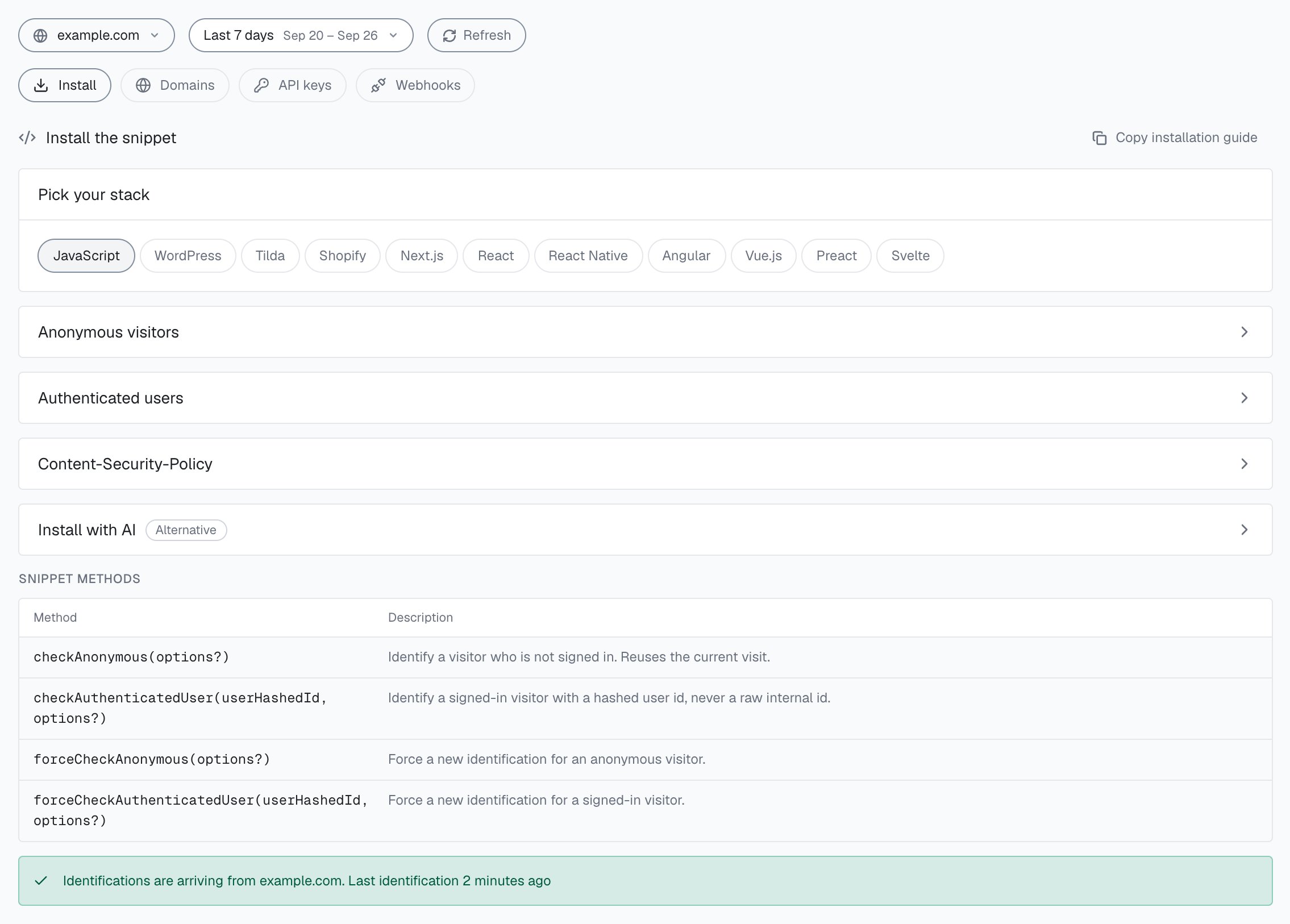
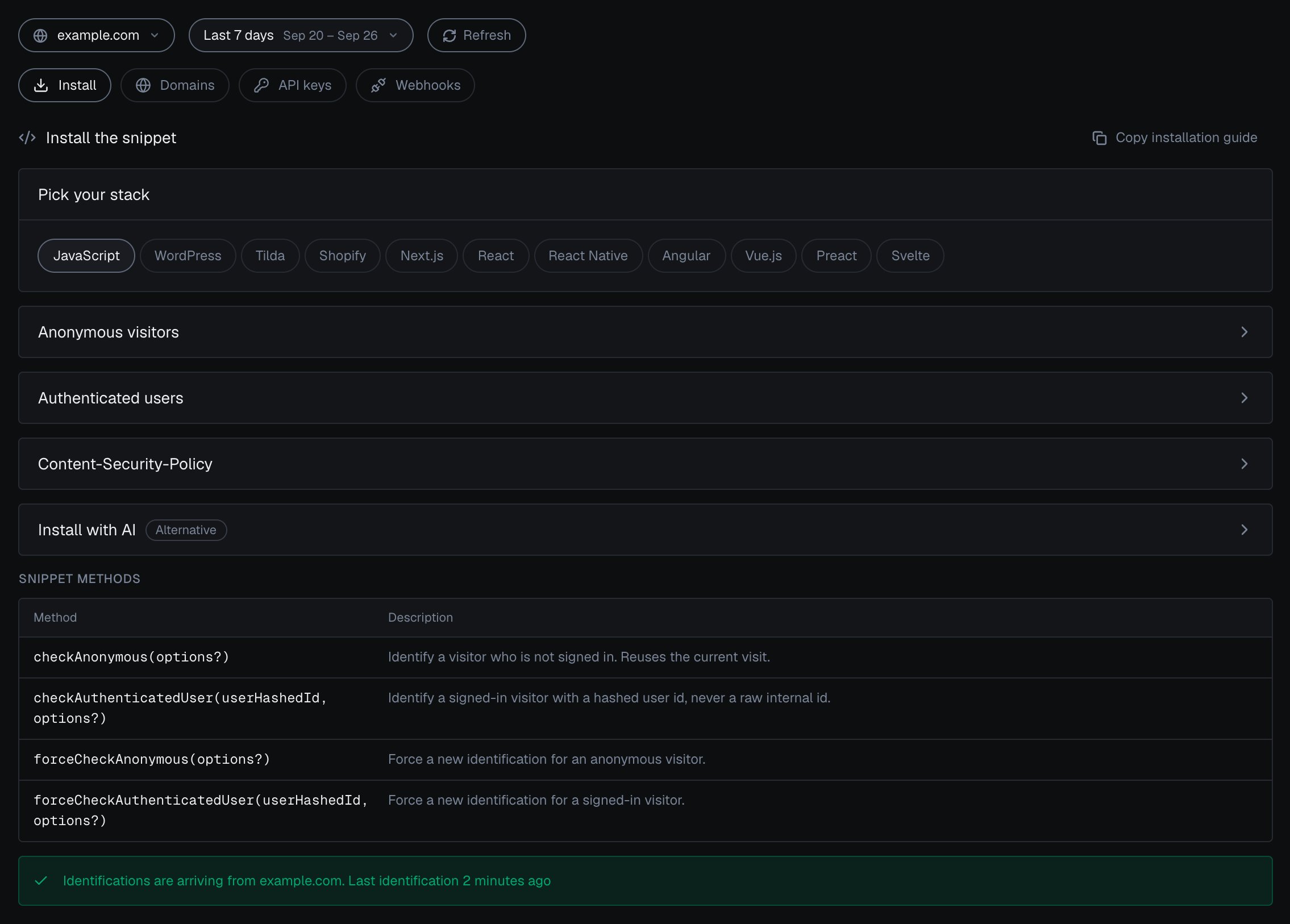
Integration > Install in the analytics dashboard: pick your stack, open the snippet for anonymous visitors or authenticated users, and check that identifications are arriving.
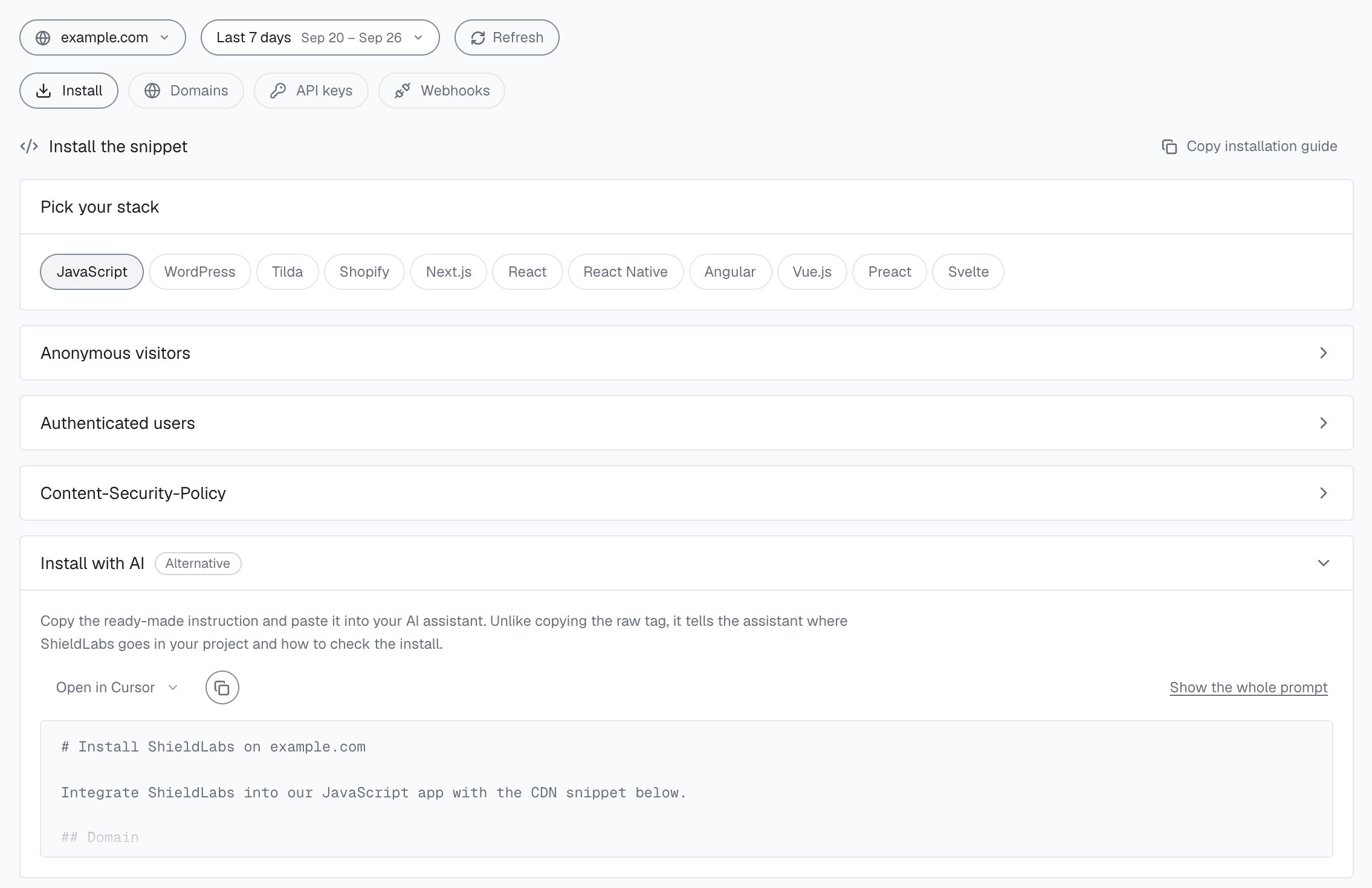
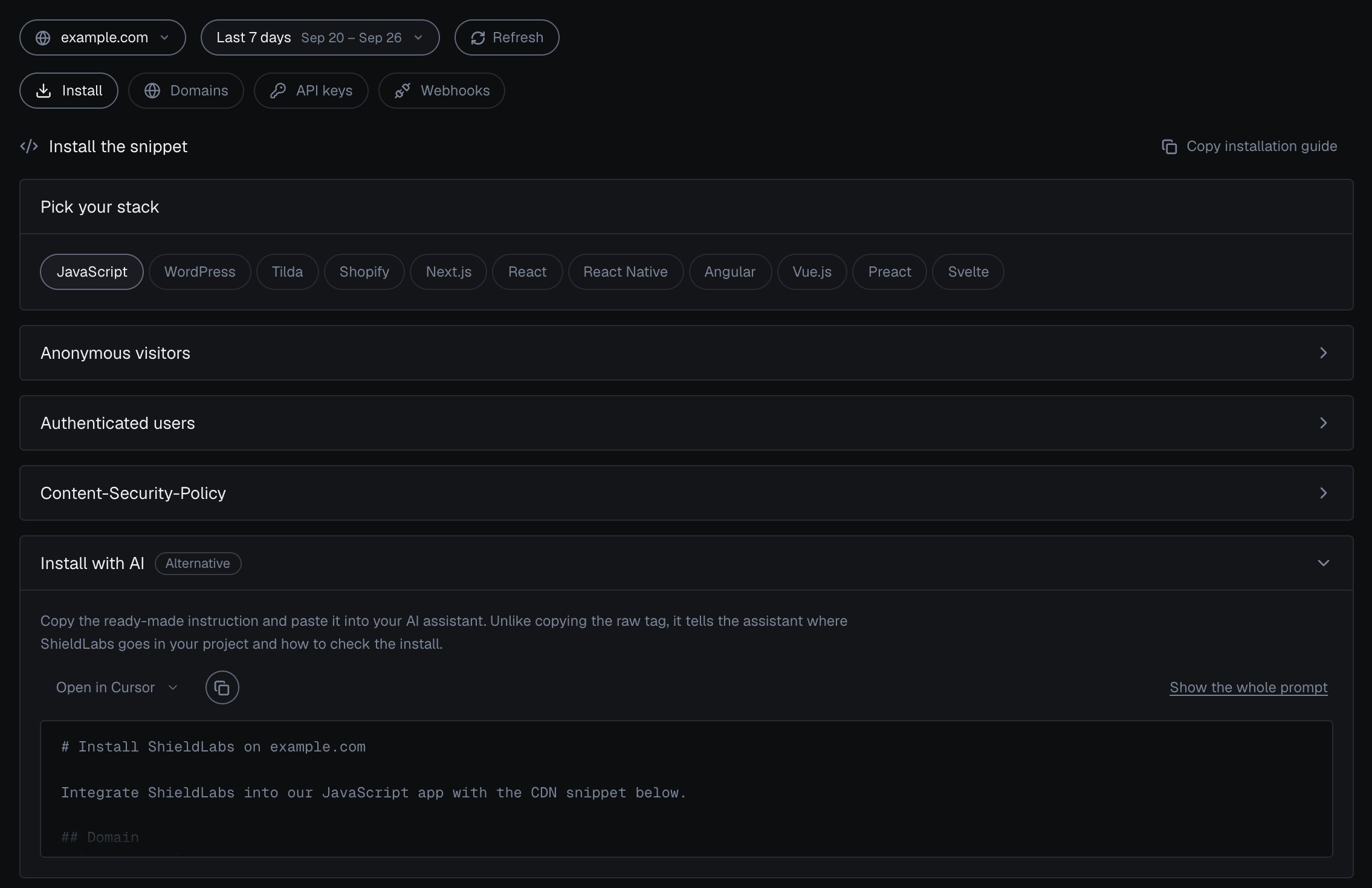
Install with AI in the analytics dashboard.
Domains
Domains lists every domain on your account with its Status, its identifications in the period and its Subdomains setting.
Subdomains reads Accepted when the domain also takes traffic from its subdomains, and Exact host when it takes only its own host. Each domain can be paused, resumed or deleted; deleting asks you to type the domain back and keeps its identification history. Add domain adds a host; at your plan’s limit the button reads Upgrade plan to add a domain. Your plan sets how many domains you can add: Free 1, Starter 1, Growth 3, Scale 5. All your domains share one account quota. Full steps: Domains.
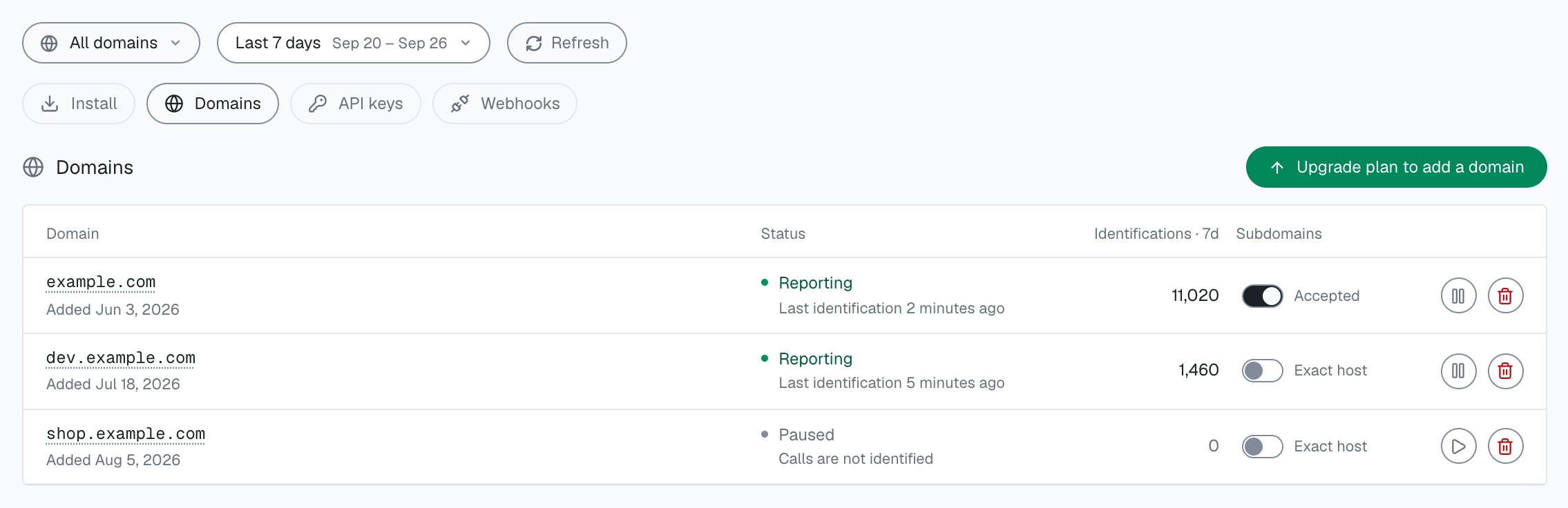
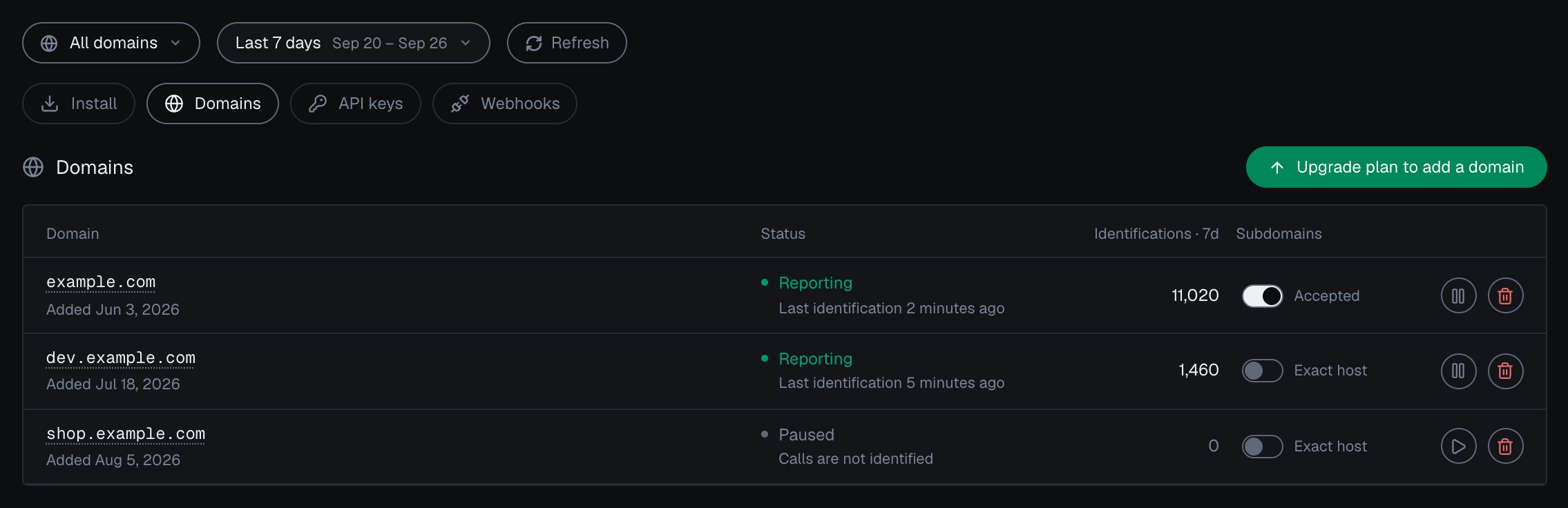
Integration > Domains in the analytics dashboard: each domain's status and subdomain setting.
API keys
API keys shows one key type at a time: pick Public Key, Private API Key or Secret Key, and each domain in scope gets a row with its key, when it was last used and its usage in the period.
The Public Key shows in full and the other two are masked. The copy button copies the full key. Rotate replaces it, and the previous key stops working at once, so update your snippet or server client first. Full steps: API keys.
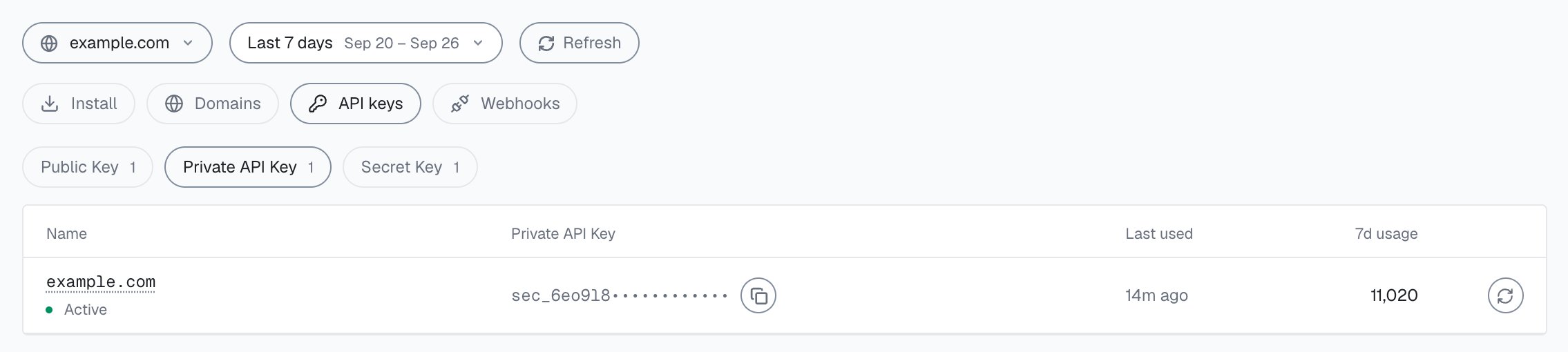
Integration > API keys in the analytics dashboard: one domain's Private API Key, masked, with tabs for Public Key, Private API Key and Secret Key.
Webhooks
Webhooks lists your endpoints with their signing secret, status and last delivery. Add endpoint registers an HTTPS URL for a domain. Each domain takes up to 10 endpoints, and each endpoint gets its ownwhsec_ signing secret.
- Verify sends a
webhook.pingdelivery. A 2xx answer verifies the endpoint. - Test sends a sample
identification.scoreddelivery and shows the HTTP status and how long it took. - Edit, Rotate secret, pause or resume deliveries, and Delete manage the endpoint.
X-Shield-Signature header, sha256= followed by the HMAC-SHA256 of the raw request body, in Node.js, Python, Go, PHP, Ruby and C#. Full steps: Webhooks.
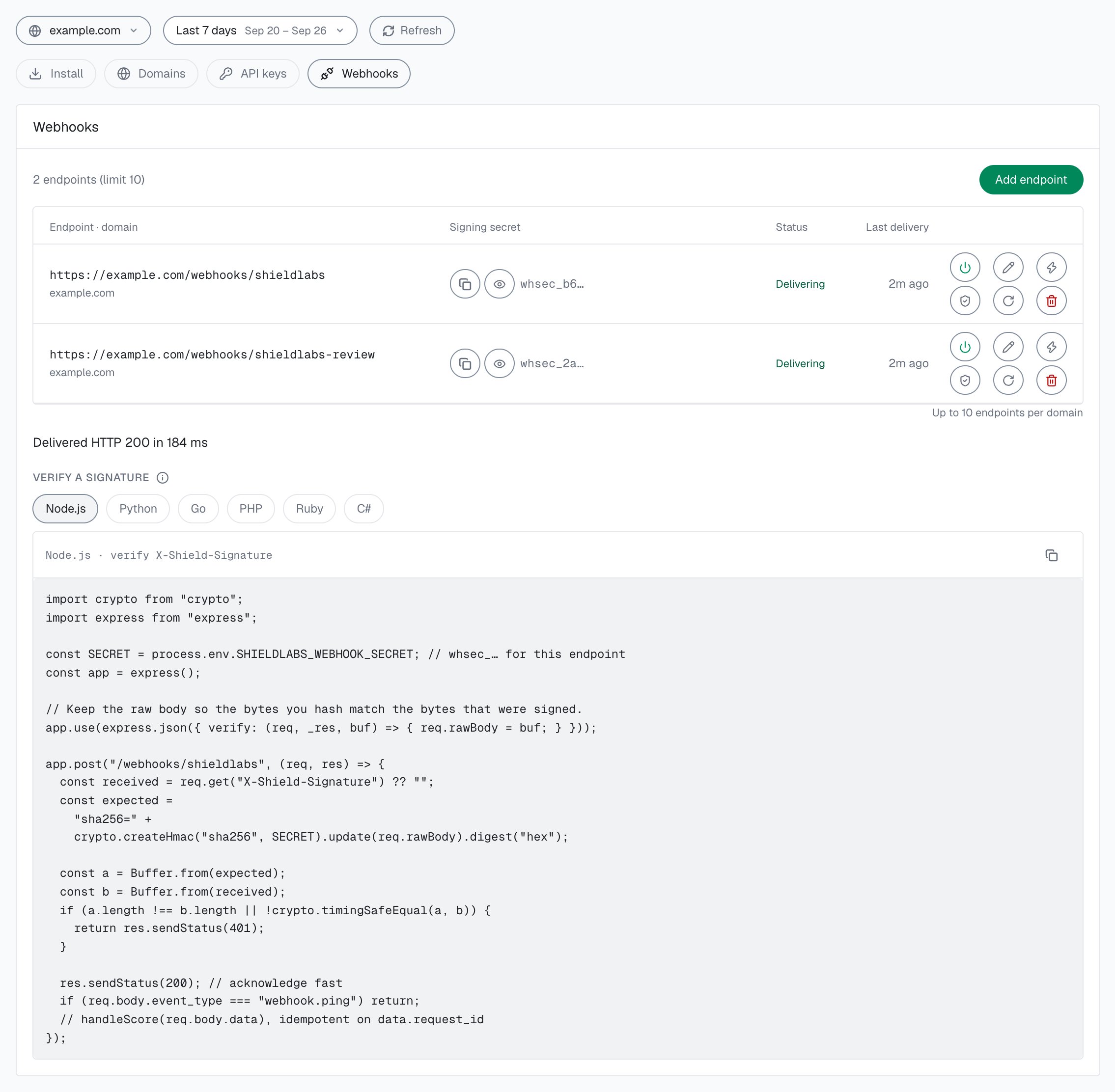
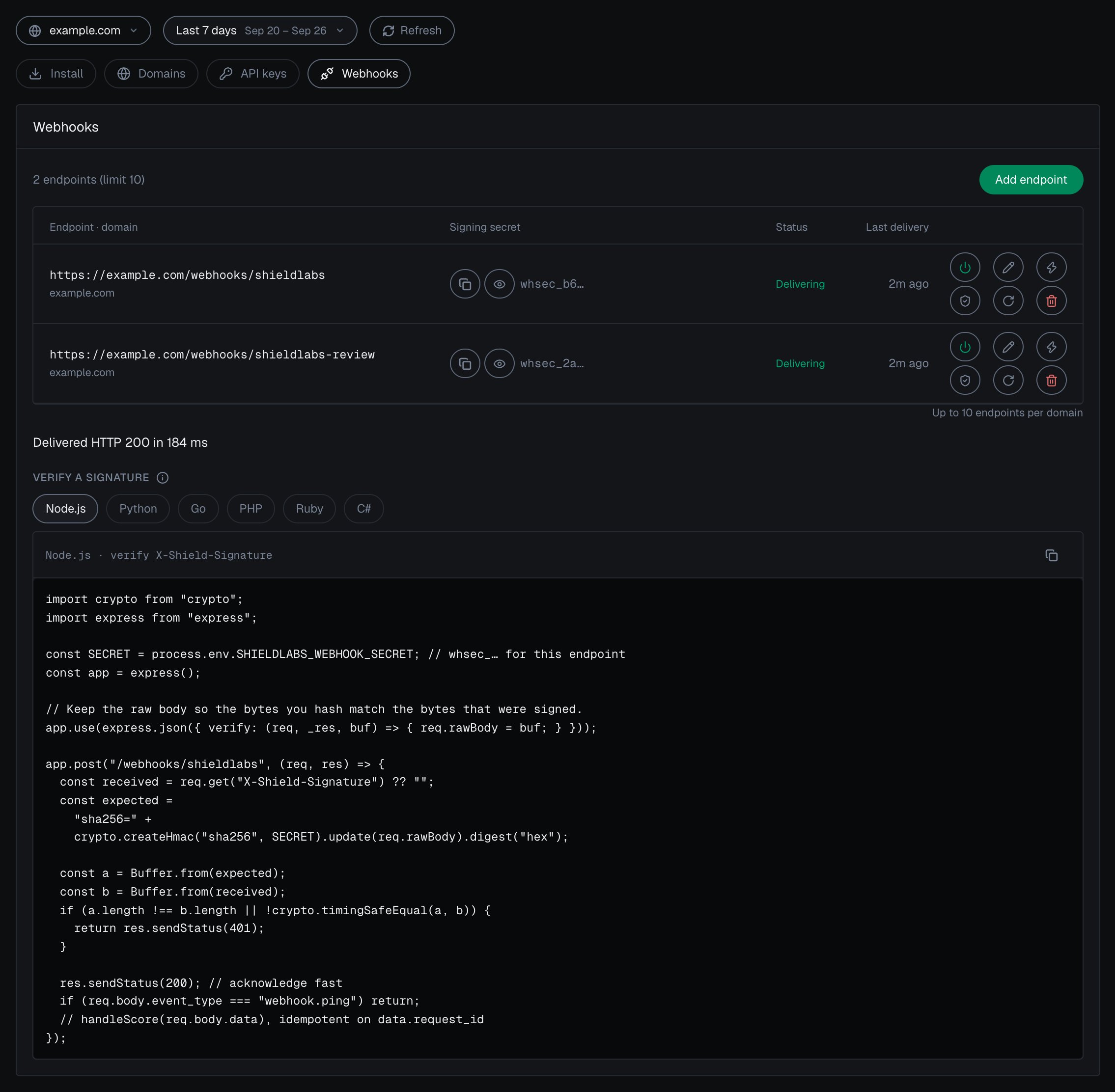
Integration > Webhooks in the analytics dashboard: each endpoint has its own signing secret, Verify and Test.
Next steps
Install the snippet
Both snippets, the four methods and framework examples.
Identify signed-in users
The User HID that users and High-Risk Events are built on.
Domains
Add, pause and scope your domains.
API keys
What each key authenticates and where it belongs.
Webhooks
Register an endpoint and verify every delivery.
Read one account in code
Every identification of one account through the History API.