

This page describes the new analytics dashboard, which is rolling out to all accounts.
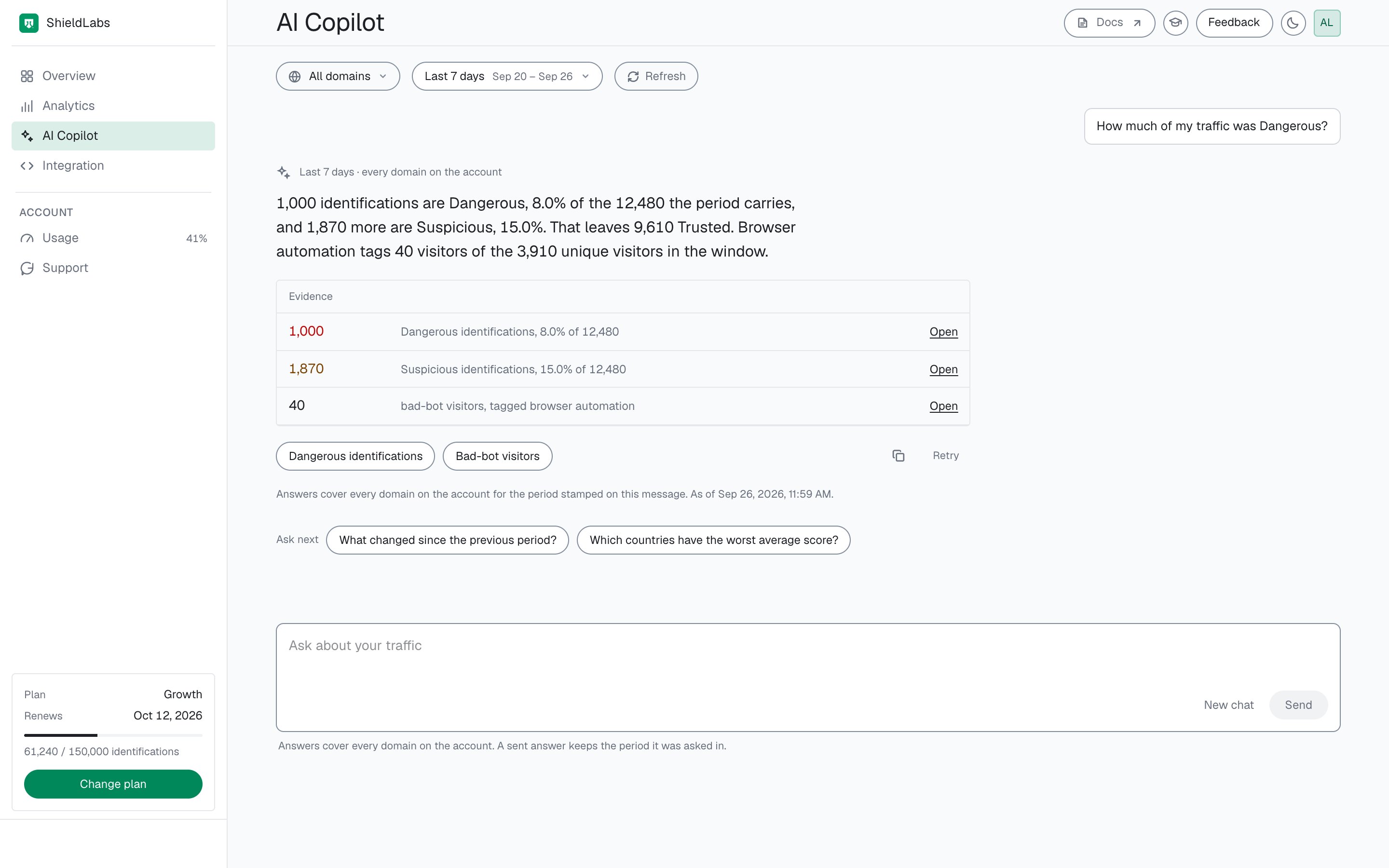
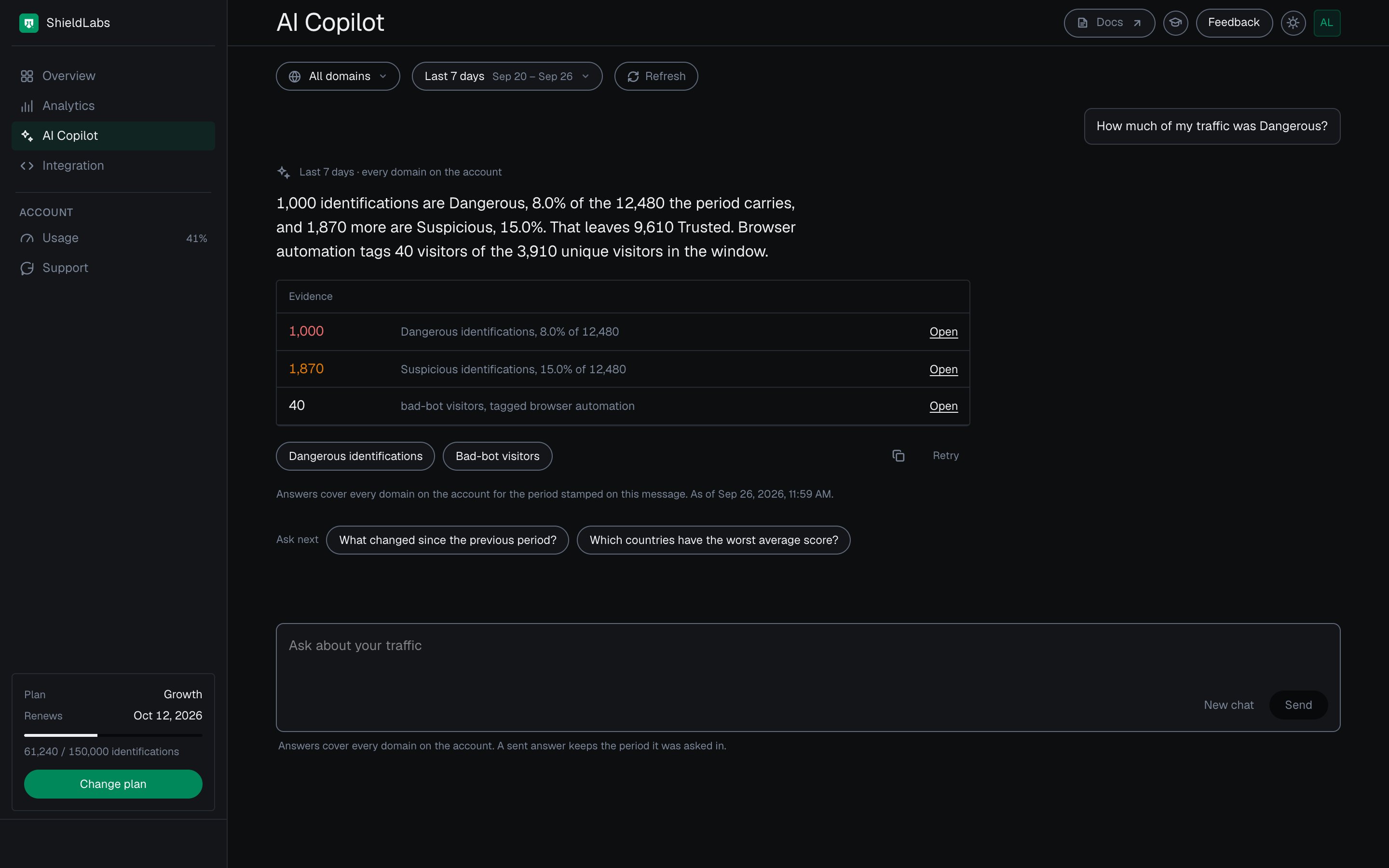
AI Copilot in the analytics dashboard: an answer from your own numbers, with evidence you can open.
Ready-made questions and typical problems
The screen opens with two groups of questions. Select one to ask it.
You can also type a question in plain language. AI Copilot answers the questions on this list, and when yours falls outside it, the reply shows the questions it can answer.
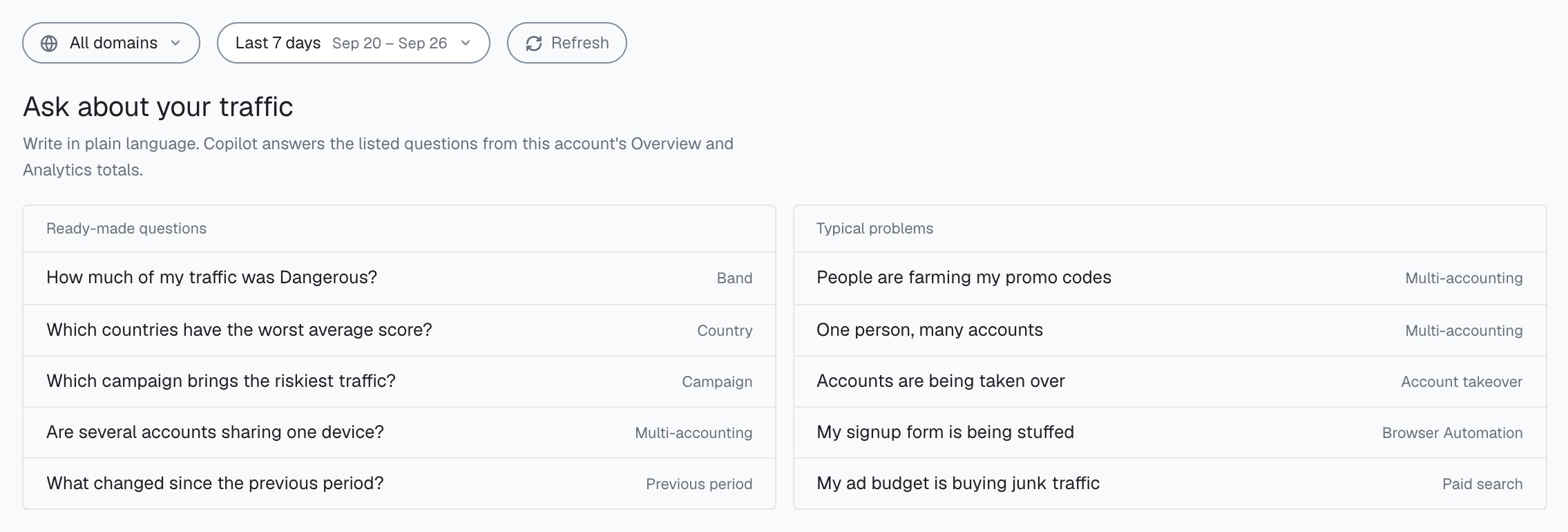
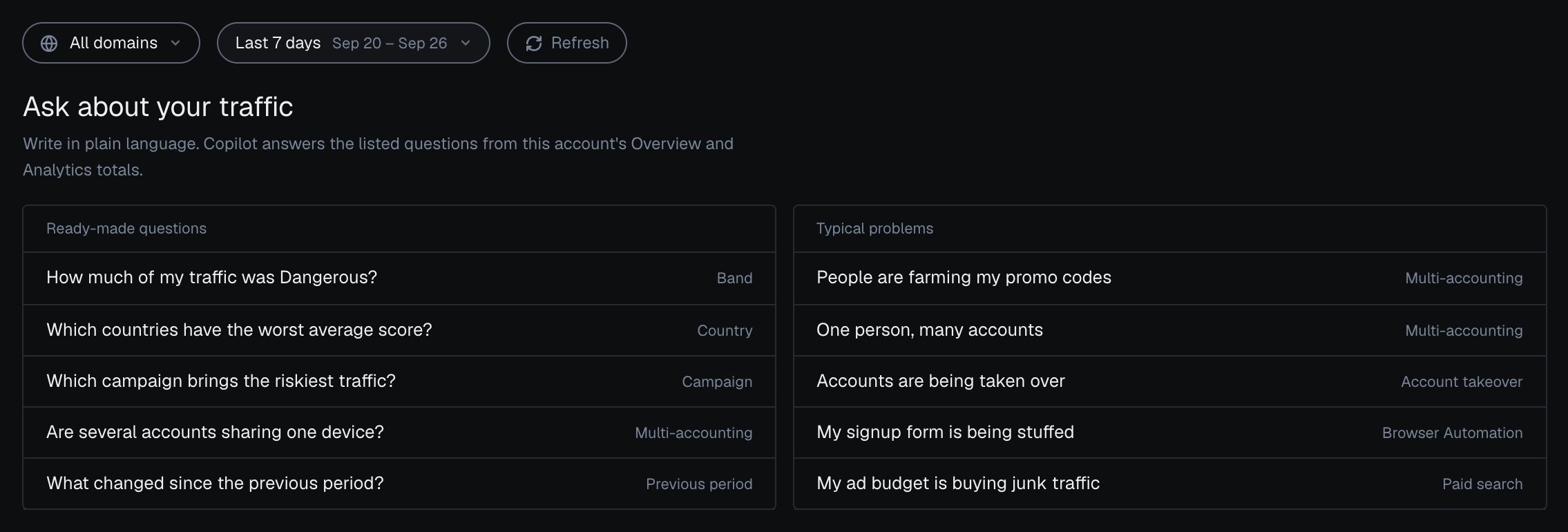
Ready-made questions and typical problems on the AI Copilot screen of the analytics dashboard.
Evidence
An answer to a listed question comes with Evidence: each figure it used, with Open to see the matching view in Analytics. Check the number there, then open the users, devices or identifications behind it. Action buttons under an answer open the related view the same way. Ask next offers follow-up questions, Retry asks again, and the copy button copies the answer. New chat starts over.Scope
Answers read the period selected at the top of the screen. They always cover every domain on your account, whichever domain the domain picker shows. An answer keeps the period it was asked in, so pick another period and ask again to compare. If the period has no identifications, AI Copilot asks you to widen it.Next steps
Overview
The same numbers as tiles, each opening Analytics.
Analytics
Where every piece of evidence opens.
Investigate a risky user
From an answer to one user card and an action in your backend.
High-Risk Events
The four events detected on your users, at Medium or High confidence.
Risk signals
What each risk signal in an answer means, with its weight.
Traffic Analytics
Traffic quality by channel, referrer and campaign.