

This page describes the new analytics dashboard, which is rolling out to all accounts.
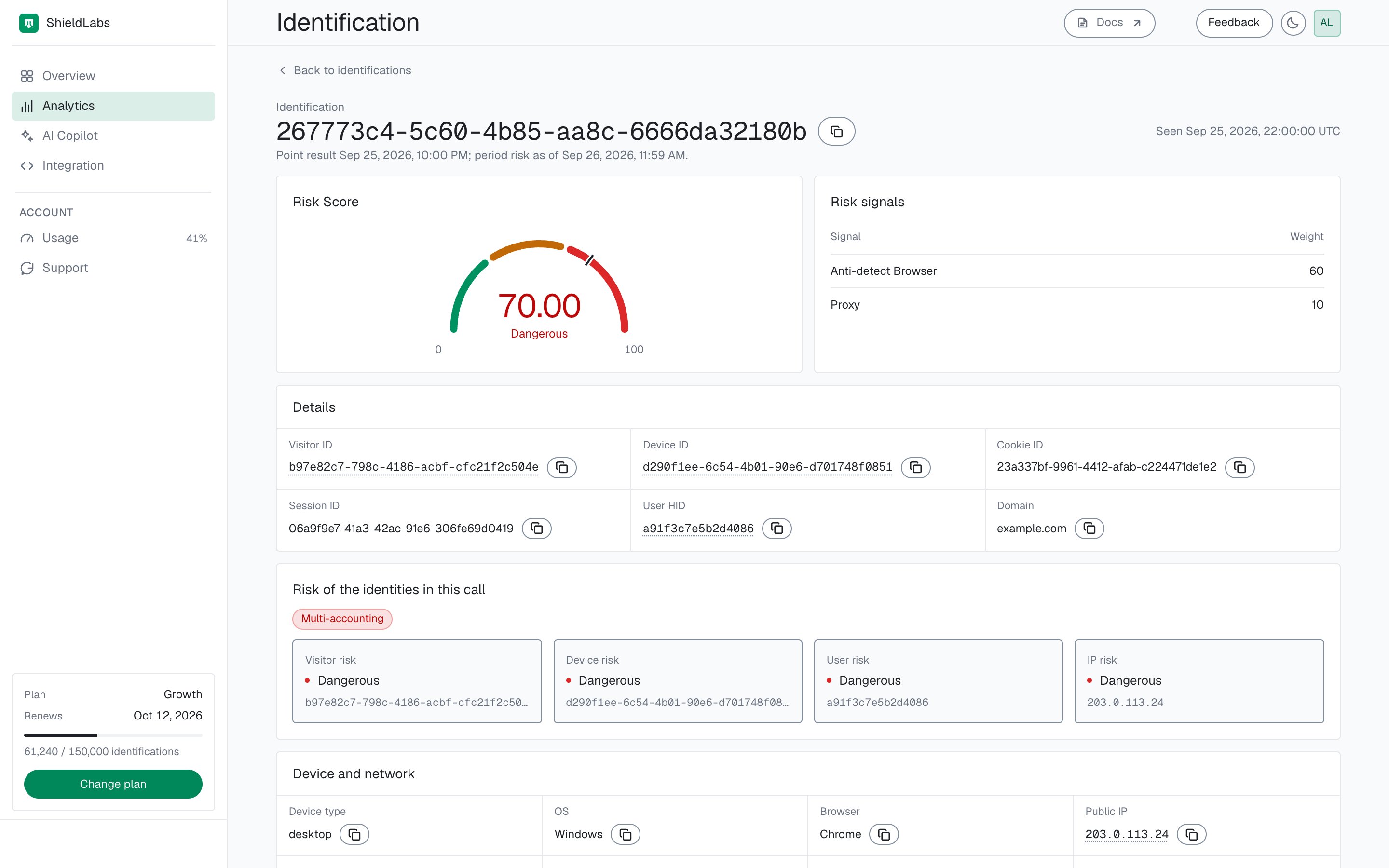
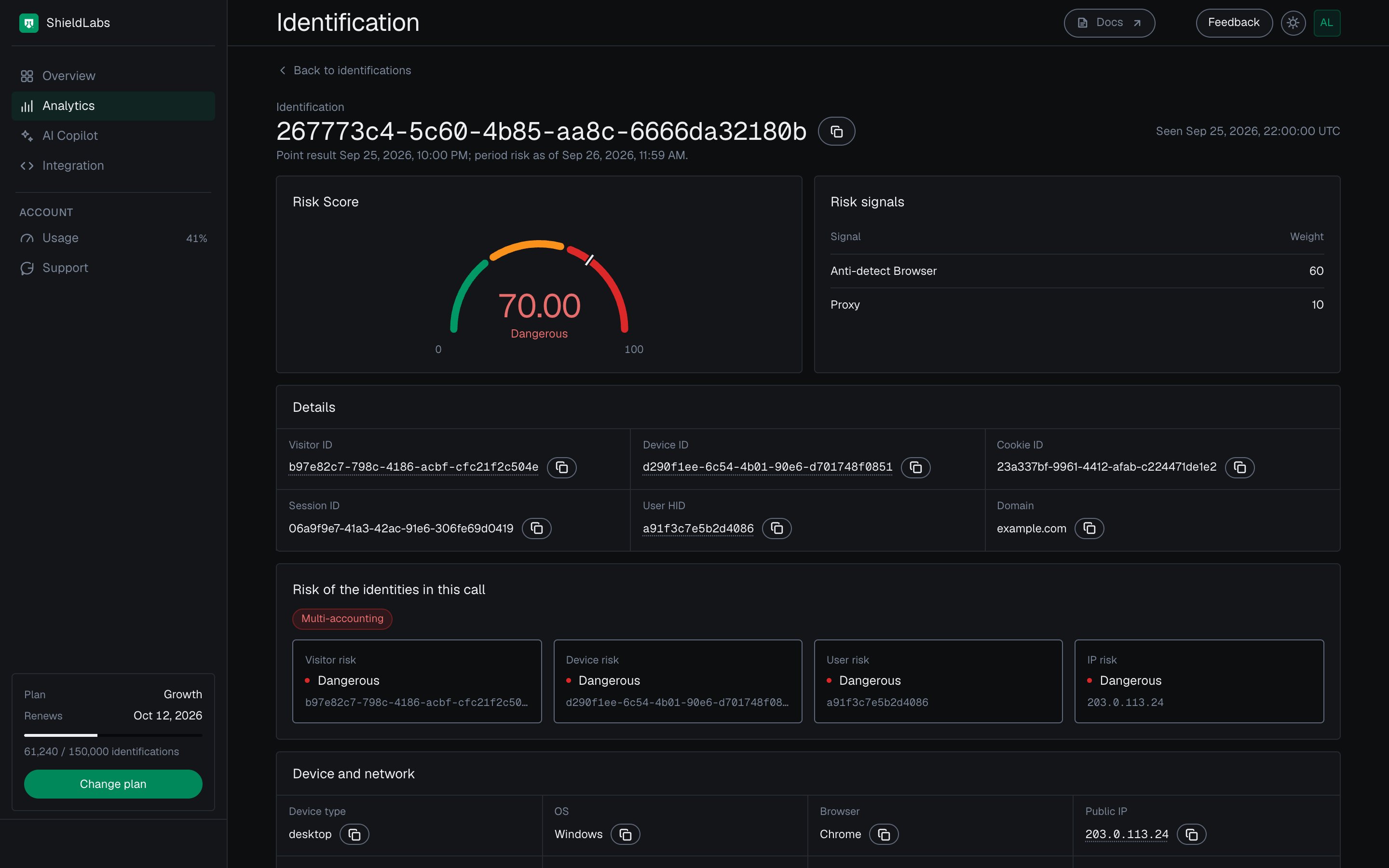
An identification card in the analytics dashboard: its Risk Score, its weighted risk signals and the risk of the user, device, visitor and IP behind it.
Risk Score and risk signals
The gauge shows the Risk Score from 0 to 100 with its band: Trusted (0 to 29), Suspicious (30 to 59) or Dangerous (60 to 100). Risk signals lists what fired on this identification, each with its Weight. The Risk Score is built from those weights and capped at 100; how signals combine covers the exceptions. In the example, Anti-detect Browser (60) and Proxy (10) make 70, Dangerous. The weights are the ones published on Risk Scoring. Informational flags such as Incognito show at weight 0 and add nothing to the Risk Score. When nothing fired, the table says No risk signal fired. A Risk Score of 999 marks a rate-limited identification; see Rate limits.

The Risk Score of one identification and each risk signal with its weight, in the analytics dashboard.
Details
Details holds the identifiers of the identification: Visitor ID, Device ID, Cookie ID, Session ID, User HID and Domain. The Visitor ID, Device ID and User HID open their cards. The request ID at the top of the card, with its copy button, is therequest_id your webhook carries. Use it to read the same identification through the History API.
Risk of the identities in this call
This section places the identification in its account context. First come the user’s High-Risk Events, one pill per event; the pill’s colour gives its confidence, orange for Medium and red for High. Then four tiles give the band of each identity in the identification: Visitor risk, Device risk, User risk and IP risk. Each is the worst band of that identity’s identifications in the selected period, so a Trusted identification can belong to a Dangerous user. Select a tile to open that identity’s card. In the example below, another identification of the same user (request ID5ce96b2d-fe7d-4073-96f9-a9bd6194451c) is itself Trusted (a VPN, weight 15), while its user and device are Dangerous and its visitor and IP are Suspicious.
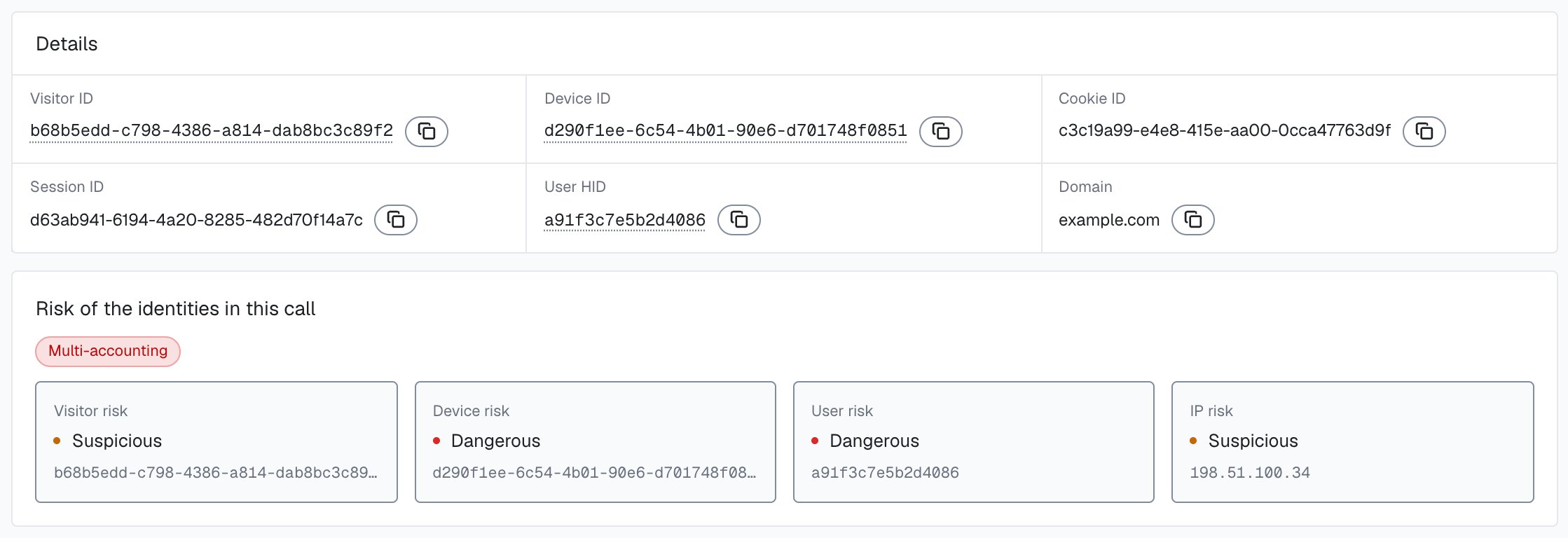
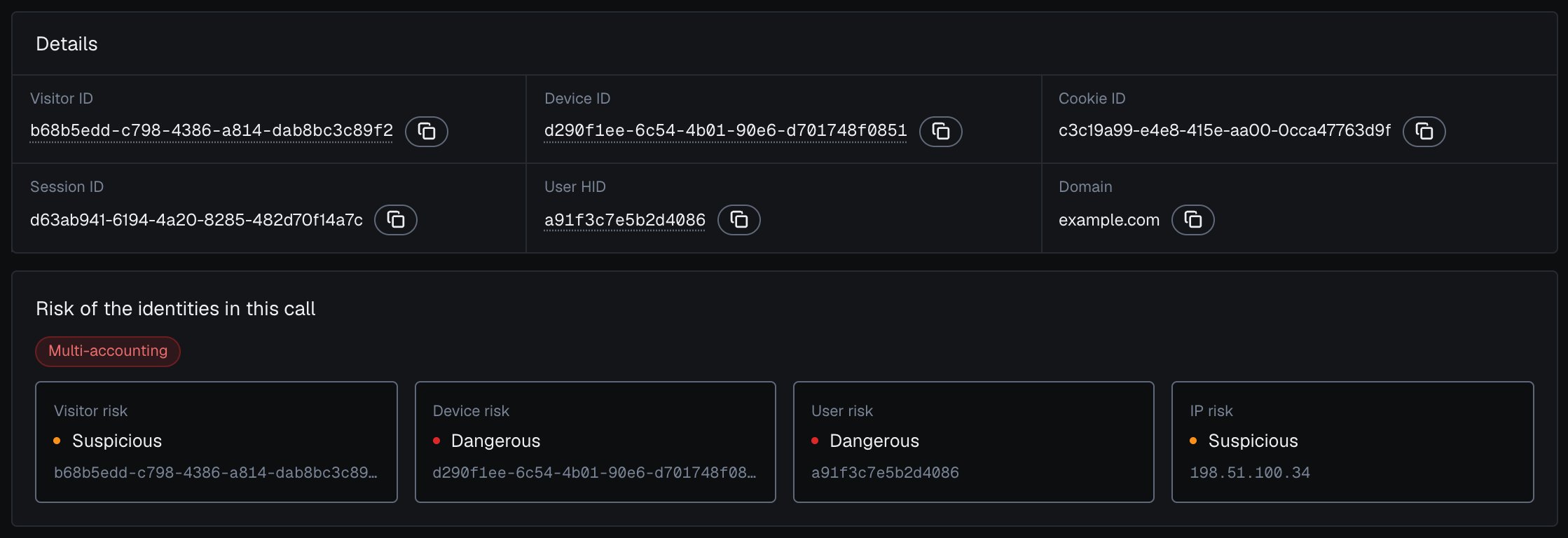
One identification and the risk of the user, device, visitor and IP it belongs to, in the analytics dashboard.
Device and network
Device type, OS, Browser, Public IP with its Country, Local IP with its Local country, and Connection type. The Public IP opens its card. The local IP is the address the browser itself reports. Behind a VPN or proxy it can differ from the public IP, so the card shows the country of each.

One identification with its public IP country and local IP country, in the analytics dashboard.
Traffic source
Channel, Referrer, Campaign, Entry page, Click ID type and the UTM parametersutm_source, utm_medium, utm_campaign, utm_content and utm_term. Together they show which channel and campaign brought this identification. The channel values are listed on Traffic Analytics.
When no User HID was passed
An identification sent withcheckAnonymous carries "anonymous" in place of a User HID, so it has no user to link. Details says so, and the card shows no User risk and no High-Risk Event, while the device, visitor and IP risk still show. Pass a hashed User HID with checkAuthenticatedUser on every signed-in page. Users, account-level risk and all four High-Risk Events are built on it. See Identify signed-in users.
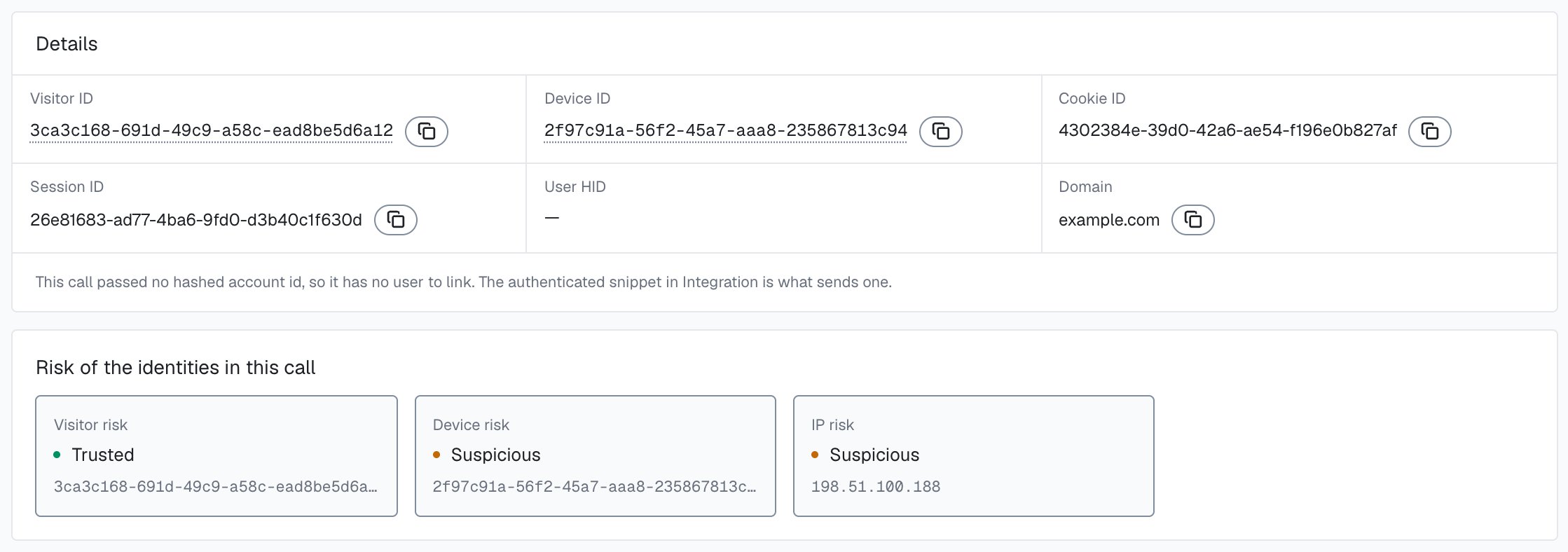
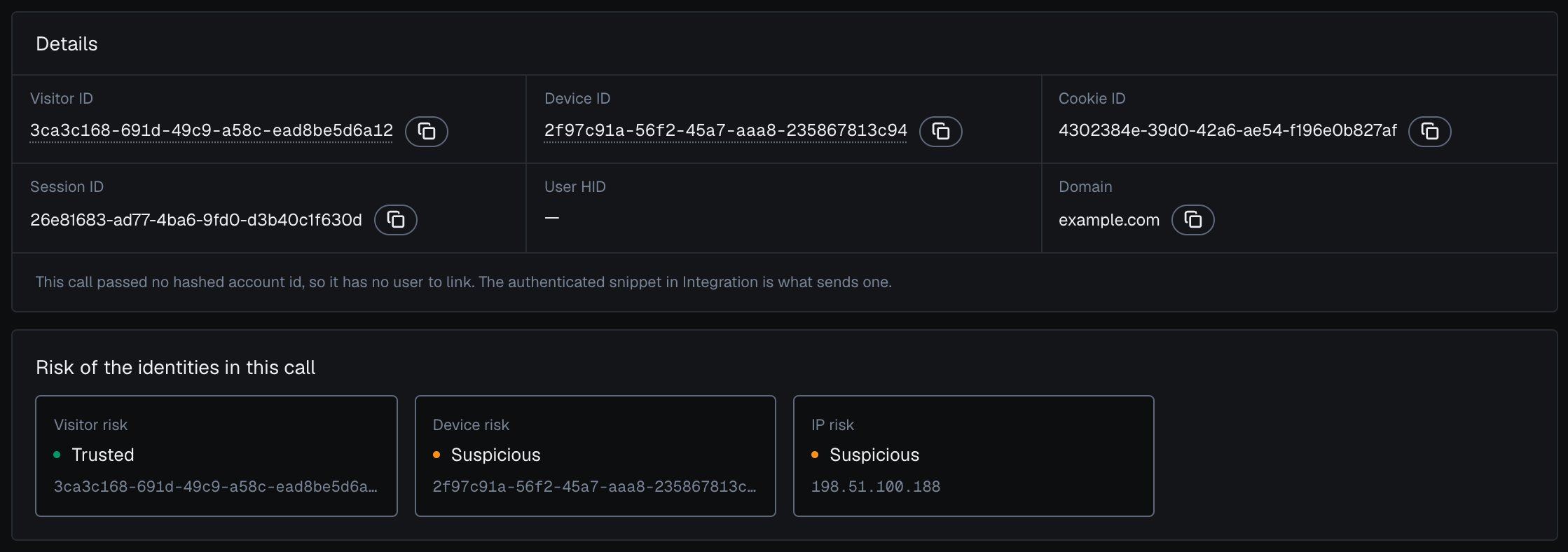
An identification sent without a User HID has no user to link, in the analytics dashboard.
Next steps
Risk Scoring
How the Risk Score is built from weighted risk signals.
Risk signals
Every risk signal, what it covers and its weight.
User and device cards
The account, device, visitor and IP behind this identification.
Accounts and identifications
How the account and the identification work together in each decision.
Acting on results
Turn the Risk Score and risk signals into an action in your backend.
Read one account in code
Every identification of this user through the History API.