Fixes for the issues you are most likely to hit while integrating ShieldLabs.
A fast path from a symptom to its fix. Each entry names the likely cause and the one change that resolves it, then points you to the page with the full detail. For the meaning of a specific status code, the Errors reference is the canonical table; for short answers to common questions, start with the FAQ.
Symptom. Nothing reaches your analytics dashboard or webhook, and the browser never posts an identification.Cause. One of three things is blocking the snippet before it can run:
A Content Security Policy is refusing the hosts the snippet needs. The module and its dependency load under script-src, and the identification and network checks post under connect-src. A policy missing those hosts stops the snippet cold.
An ad blocker or content blocker is dropping the CDN host, so the module never downloads.
The page is not served over HTTPS. The snippet collects signals in a secure context only, so it does not run on plain http:// or a non-secure origin.
Fix. Open the browser dev tools. A CSP block shows a Refused to load or Refused to connect error naming the directive and host, which is your signal to add that host. The exact directives and host list live on the CSP setup page, and the snippet install guide shows the HTML and framework methods. Confirm the page loads over HTTPS, then load it with any blockers disabled to rule the extension in or out. Make sure the page also calls checkAnonymous() or checkAuthenticatedUser(hashedId) once the module loads. Once identifications arrive, Integration > Domains in the analytics dashboard shows the domain as Reporting.
No webhook arrives
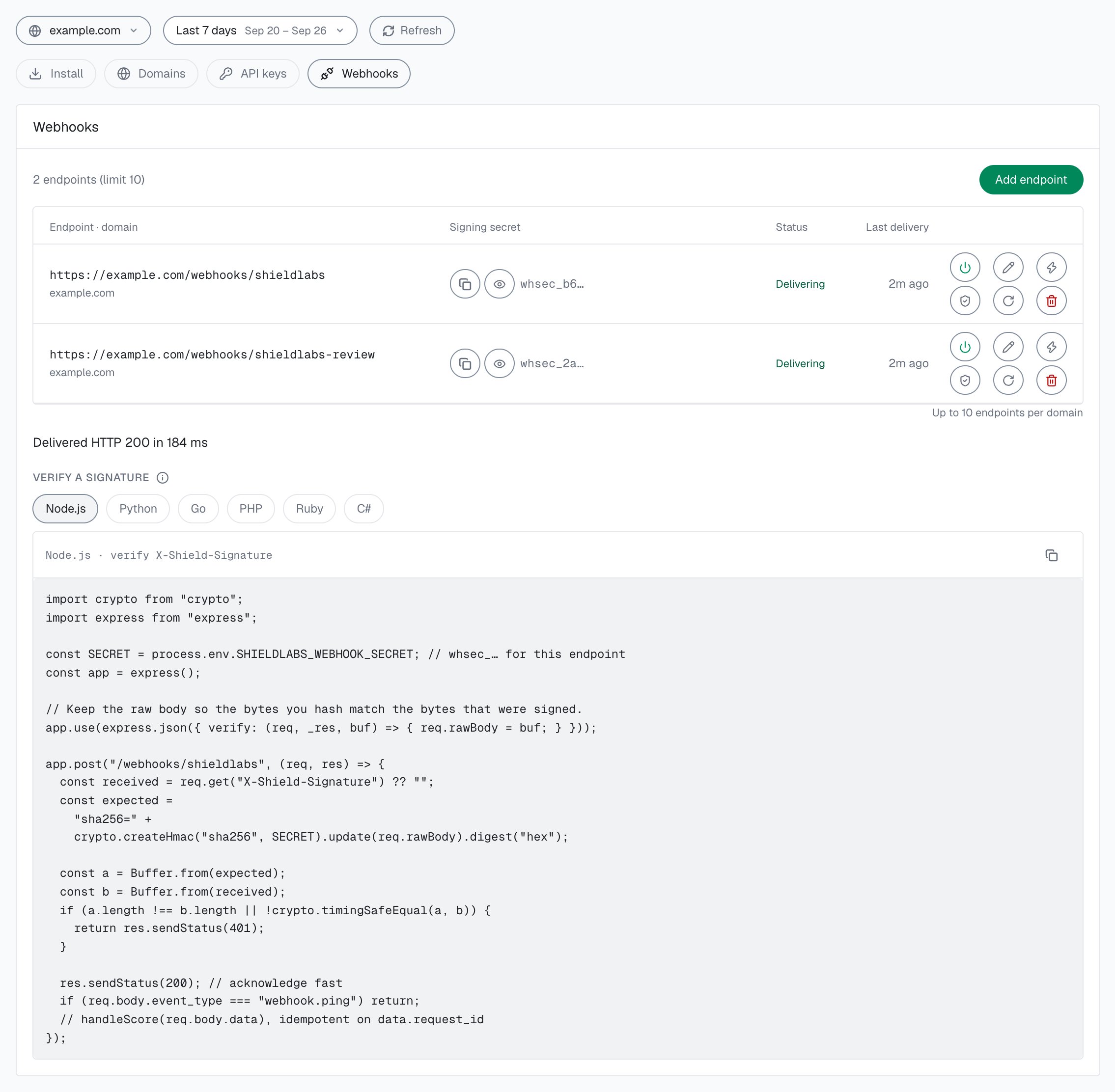
Symptom. The identification runs and counts, its Risk Score shows in the analytics dashboard, but your endpoint never receives the POST.Cause. Either no webhook endpoint is active for the domain, or the delivery was dropped. Webhook delivery is at-most-once, with no retries and a 1-second timeout, so a slow, down, or non-2xx endpoint silently loses that delivery, and there is no resend.Fix. In the analytics dashboard, open Integration > Webhooks and check the domain’s endpoints: at least one must be switched on, not Paused. Use Test on the endpoint to confirm it answers 2xx; the result shows the HTTP status and how long the delivery took, as the webhook setup covers. Make your handler return 200 fast, then do slow work asynchronously so you stay inside the timeout. Because a single delivery can always be lost, treat the History API as the guaranteed read: look the result up by request_id whenever it must not be missed.
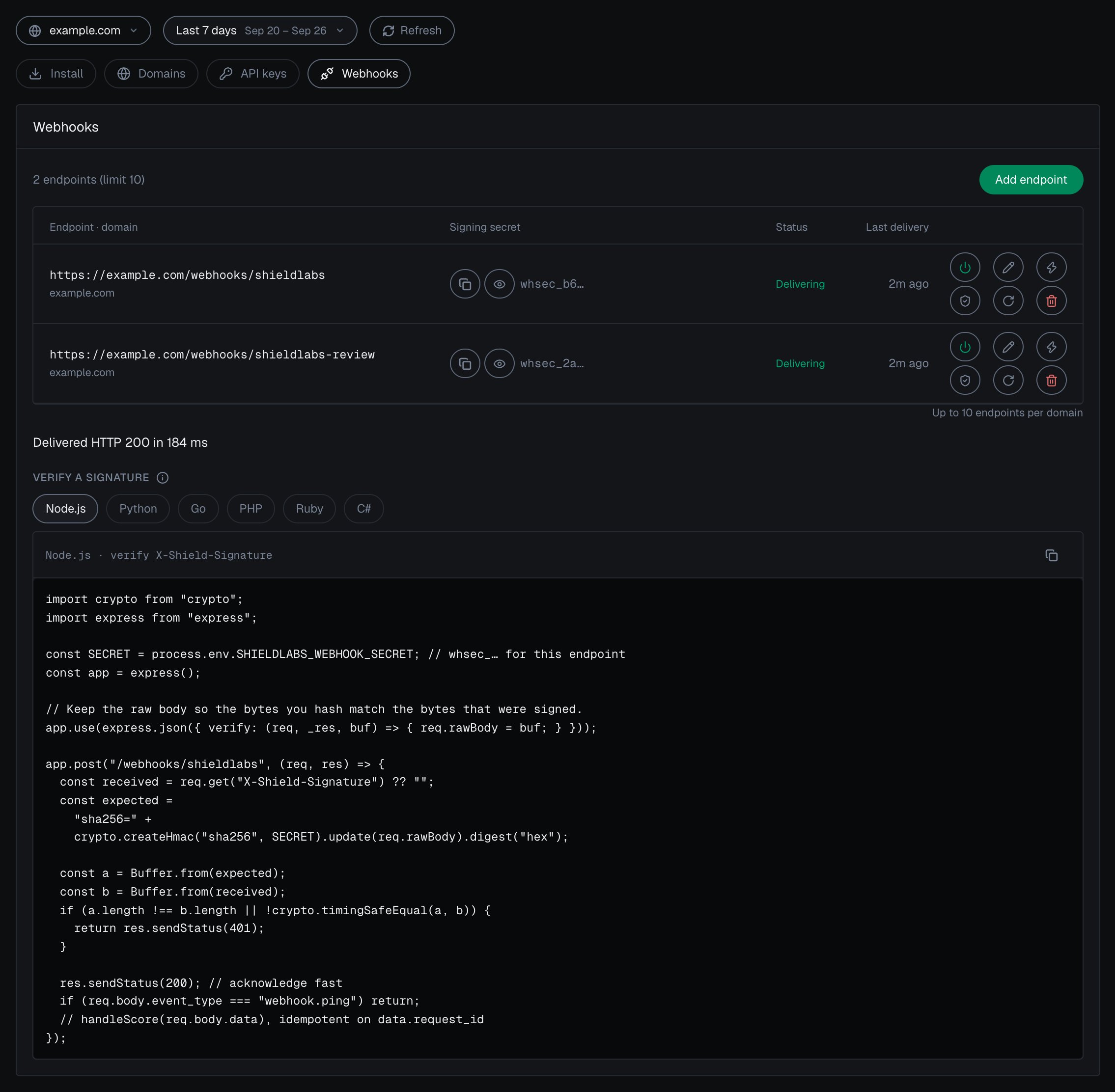
Integration > Webhooks in the analytics dashboard: each endpoint has its own signing secret, Verify and Test.
Signature verification fails on a valid webhook
Symptom. The payload looks correct, but your HMAC check rejects it.Cause. You are hashing a re-serialized copy of the JSON, or using the domain Secret Key instead of the endpoint’s whsec_… secret. Parsing the body and re-encoding changes the bytes, so the HMAC no longer matches.Fix. Compute HMAC-SHA256 over the raw request body bytes exactly as received, keyed with that endpoint’s whsec_… signing secret, prefix with sha256=, and constant-time compare against X-Shield-Signature. The webhook setup page has working Node, Go, and Python examples that do this correctly.
Symptom. An identification carries a device_id of 00000000-0000-0000-0000-000000000000.Cause. An all-zero Device ID means no usable device signals reached ShieldLabs for that identification; the rate-limit marker (Risk Score 999) is one such case.Fix. Route it to review rather than allowing it. Read its risk signals and the account’s other identifications by user_hid through the History API. A 999 row is the gateway’s rate-limit marker, so keep it out of Risk Score logic (see the 429 entry below). The Identifiers page covers the all-zero case.
A legitimate user scores high
Symptom. A real customer lands in the Suspicious or Dangerous band with no wrongdoing.Cause. A corporate VPN, a proxy, or a privacy-focused browser raises the Risk Score on its own. The signals are real, but they describe the connection, not the person’s intent.Fix. Read a high Risk Score together with its named risk signals and the user’s history. A real customer on a corporate VPN can reach the Suspicious band; the signals show why, and you choose the action for each case. Check the account too: its other identifications (History API by user_hid), its linked devices and IPs, and whether a High-Risk Event is on it, in the analytics dashboard, the API or webhooks. A withdrawal warrants a stricter line than a page view. The guide to acting on results walks through the three bands (Trusted 0-29, Suspicious 30-59, Dangerous 60-100) and adjusting your cut-offs gradually so legitimate VPN users keep access.
Reading a user's, device's or IP's first and last activity
Symptom. You want the history of an account, device, visitor or IP, or its earliest and latest sighting.Cause. The History API returns identifications, newest first, each with its created_at time. First and last activity come from the two ends of that list.Fix. Read the History API by user_hid, device_id, visitor_id or ip. The first row is the most recent activity; page with limit (1 to 100) and offset to the last row for the earliest one stored. Reads never count toward your plan. In the analytics dashboard, every user, device, visitor and public IP card shows First seen and Last seen for the selected period.
No User HID or High-Risk Events appear
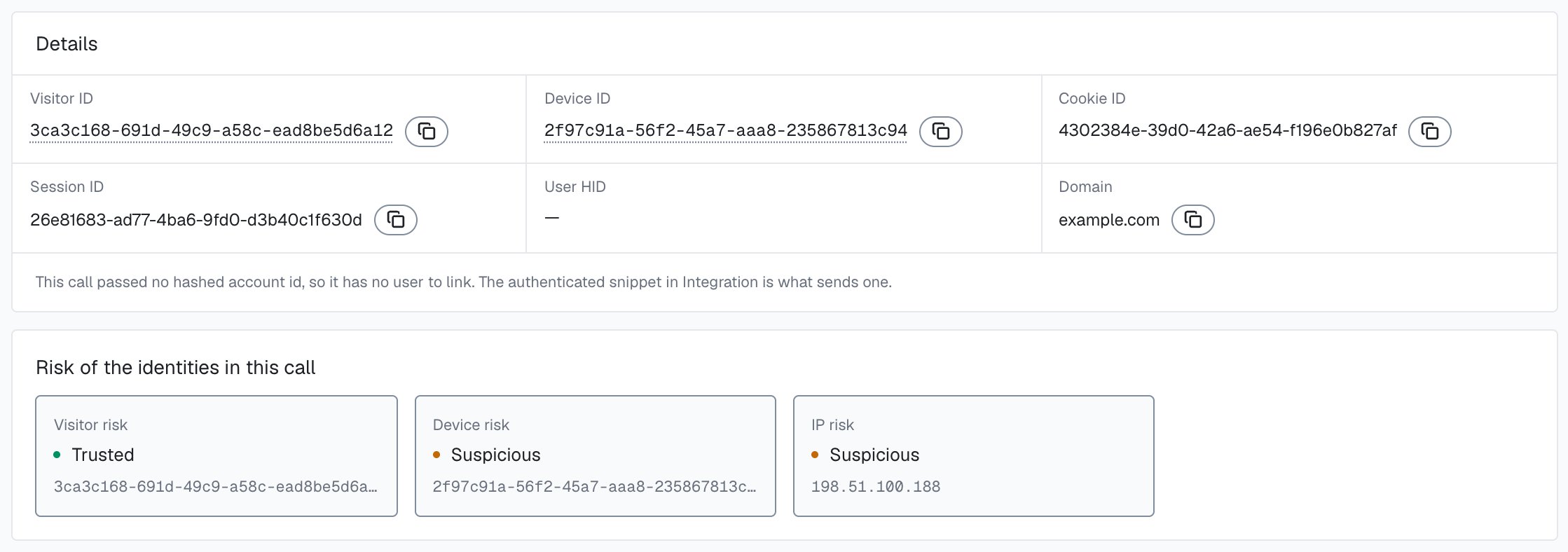
Symptom. Identifications arrive, but every one carries a user_hid of "anonymous", and your users carry no High-Risk Events.Cause. Your pages call checkAnonymous only, so no identification carries a User HID. Users, account-level risk and all four High-Risk Events are built on the User HID.Fix. Pass a hashed User HID with checkAuthenticatedUser on every signed-in page, and call forceCheckAuthenticatedUser(hashedUserId) right after login, with a hashed or pseudonymous account id. The snippet page shows the signed-in call. An event also needs its evidence: by default, Multi-accounting fires from 3 accounts on one visitor (one device plus one cookie) and Account sharing from 4 devices on one account, and both thresholds are configurable.To check one call, open its identification card: a note under Details says when the call passed no User HID and so has no user to link, and Risk of the identities in this call shows no User risk.
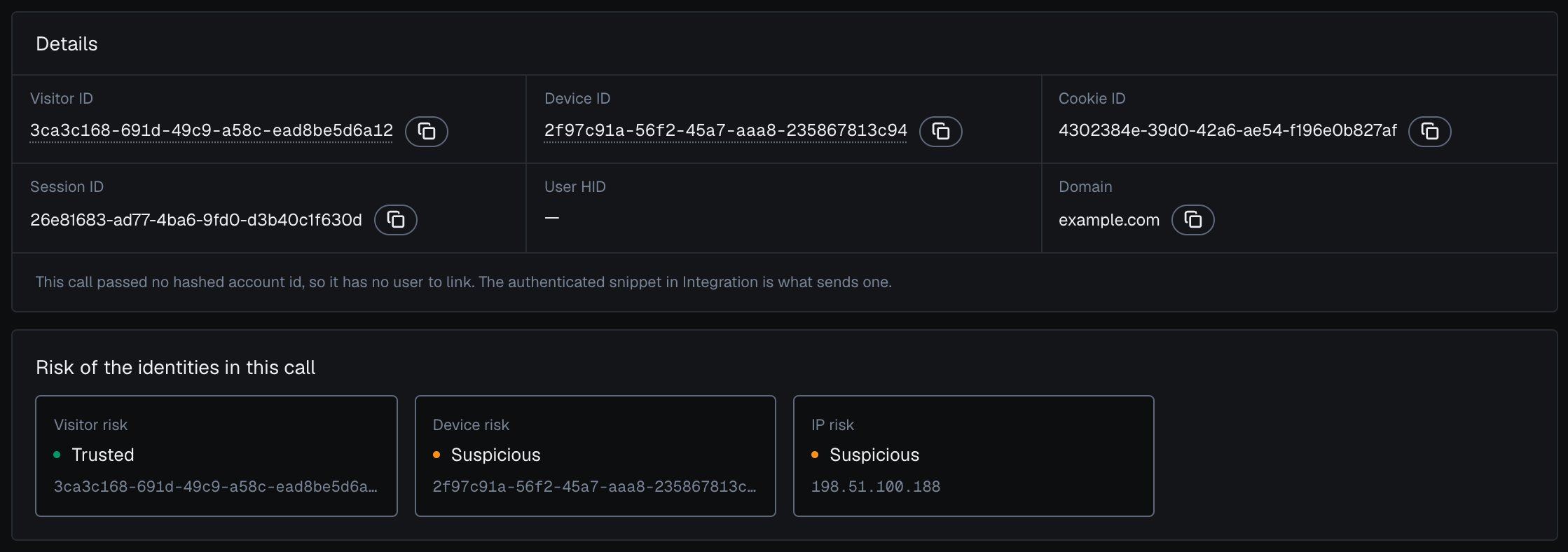
An identification sent without a User HID has no user to link, in the analytics dashboard.
Symptom. The snippet’s identification request returns 402.Cause. Your account has used its included volume. Only the identification request returns 402; History API and profile reads never do.Fix. Identification resumes when the billing cycle resets or when you change plan, as the Billing page lays out. A 402 is a billing state and is unrelated to rate limiting.
HTTP 429, or a Risk Score of 999
Symptom. The gateway returns 429, or a webhook or History row arrives with a Risk Score of 999 (data.risk_score on the webhook, score on the History API).Cause. A 429 is a gateway protection, separate from the Risk Score. It can come from the per-IP limit (15/min, then a 10-minute ban), the per-domain ingest budget, or a domain freeze after 10 seconds at the plan cap. Only the per-IP ban can also surface a 999 marker on a webhook delivery or a History row. A domain freeze uses the same 429 body, is not billed, and does not emit 999.Fix. After verifying X-Shield-Signature, check for the marker before your decision logic: treat any value above 100 as the rate-limit marker and route the action it belongs to to review.
// After verifying X-Shield-Signature on the raw body and acknowledging with 200.// 999 is the rate-limit ban marker, not a Risk Score: keep it out of your// Risk Score logic and send the action it belongs to for review.const data = req.body.data;if (data.risk_score > 100) return routeToReview(data.request_id); // History API rows: row.score
The Risk Score is 0 to 100; the only exception is the 999 marker, which means “this IP was banned at the gateway.” Soft domain 429s and a domain freeze do not write 999. The limits are on the rate limits page.
Checking whether the service is up
Symptom. You want a liveness probe for monitoring or a load balancer health check.Cause. You need a lightweight endpoint that confirms a gateway is serving, without counting toward your plan or running a scoring path.Fix. Each gateway exposes a GET /health endpoint that returns 200 with { "status": "ok" }. Point your uptime monitor or orchestrator liveness probe at it. It needs no key and never counts toward your plan.
If a status code is the question, the Errors page is the full per-surface reference, and the FAQ answers the questions developers ask most about keys, identifications, identifiers and a Risk Score of 0. Support is there by chat and email on every plan.