

- Where will you identify your users?
- What will you do with the Risk Score, the risk signals and High-Risk Events?
- How will you receive results reliably?
- What will you store to act and to audit?
- How does the snippet install, and which call do you use?
Pick your identification touchpoints
Load the snippet on your pages and pass a hashed User HID withcheckAuthenticatedUser on every signed-in page. Users, account-level risk and all four High-Risk Events are built on it. Within one visit (while a page of your site stays open in the browser, across route changes in a single-page app and across open tabs), checkAnonymous and checkAuthenticatedUser run at most one identification every five minutes for the same user. A call inside that window posts nothing, counts nothing, and its onInitialized handler receives { status: "not_initialized" }, so within one visit a call on every signed-in page costs at most one identification every five minutes per user and browser. On a multi-page site, a full page load in the only open tab can start a new visit with its own identification.
Then add a fresh check with a forceCheck* call at the moments where the answer changes what you do next:
- Signup: score the new account as soon as it exists, and pass its User HID from then on, since Multi-accounting is detected on it.
- Login: recognize the account’s known devices and step up on an unfamiliar one; Account sharing and Account takeover are detected on the user and are available in the analytics dashboard, the API and webhooks.
- Checkout and payments: score a high-value action before money moves.
- Sensitive account changes: password resets, email or payout changes, new-device approvals.
Decide how to act on users and identifications
ShieldLabs returns a Risk Score from 0 to 100 on each identification, plus asignals array naming every risk signal behind it and its weight. You choose the action for each case in your backend.
The API returns only the number, so map it to one of the three bands the Risk Score defines (Trusted 0-29, Suspicious 30-59, Dangerous 60-100) and pick an action that fits the touchpoint: pass Trusted through, and step up, review, or block as the Risk Score climbs. For the account, weigh its history too: the worst band across the user’s identifications and any High-Risk Events on the user. The Acting on results guide details the per-band playbook.
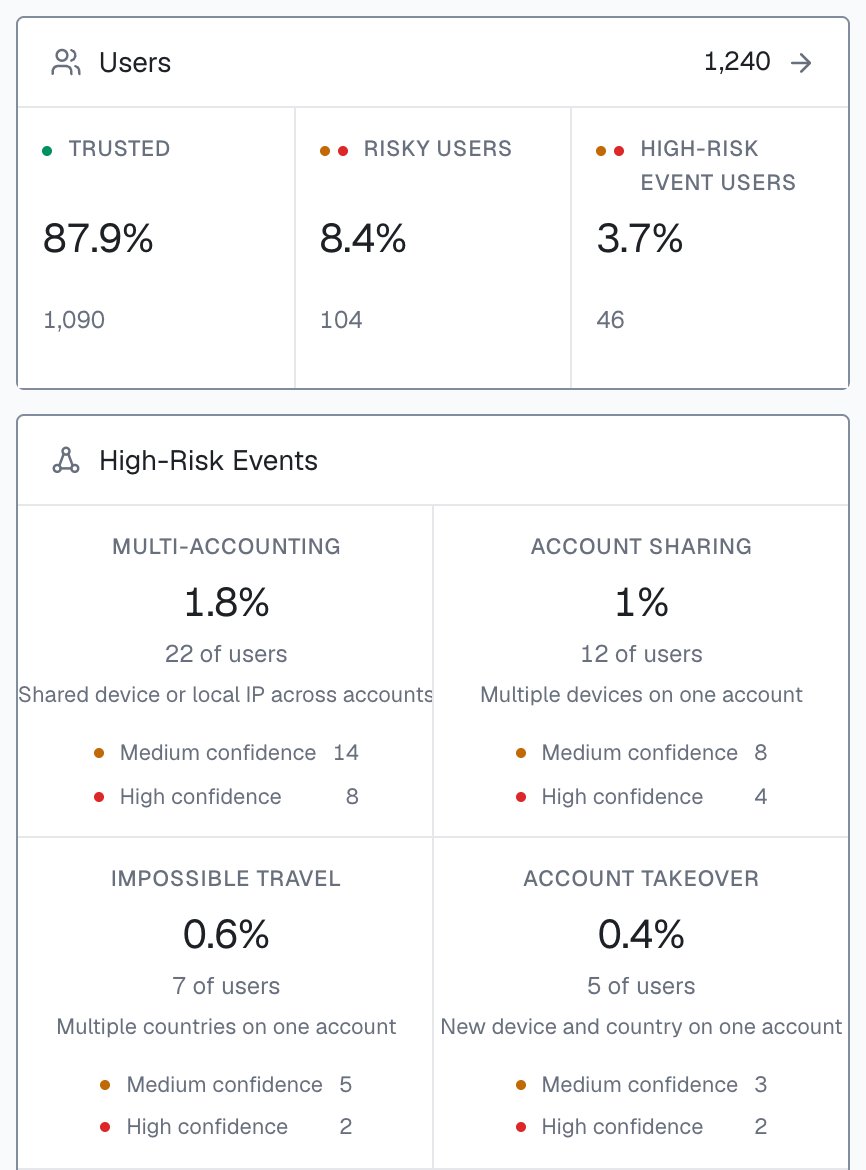
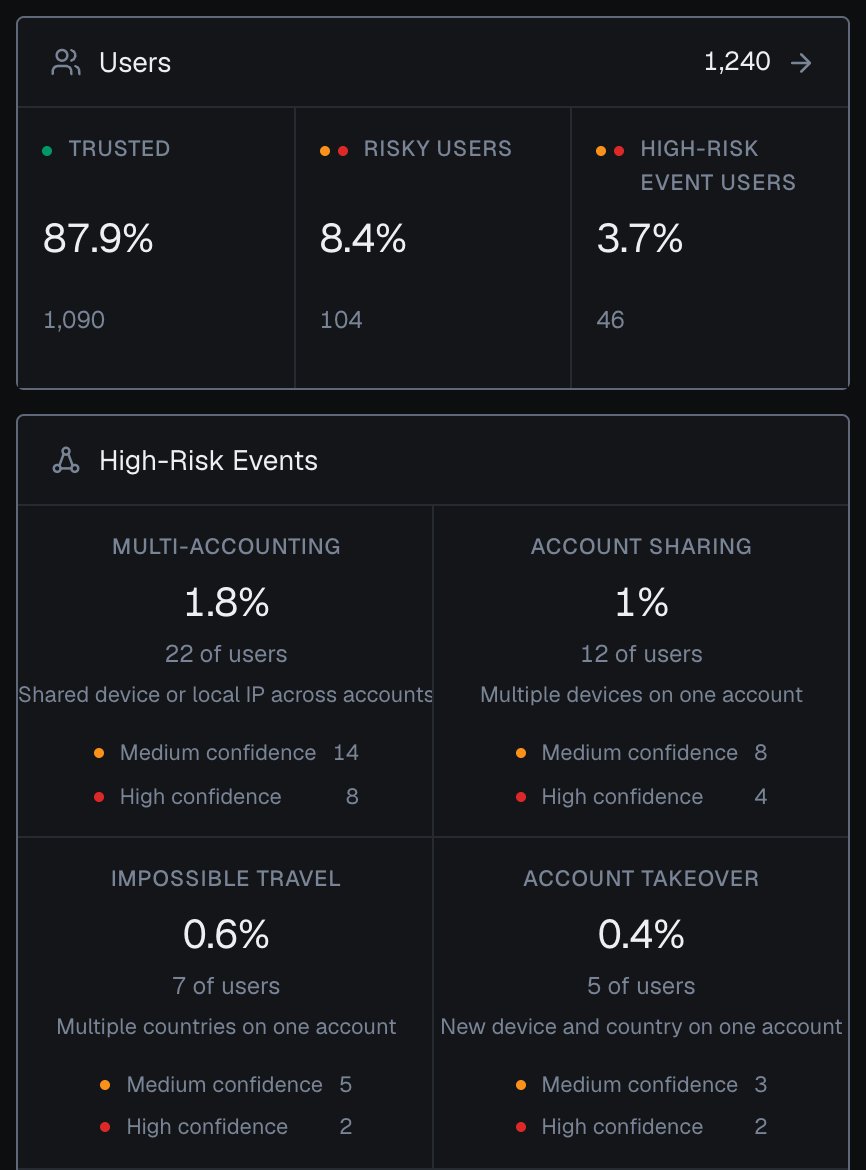
Users and High-Risk Events on the Overview screen of the analytics dashboard, counted for the users active in the selected period.
checkAuthenticatedUser. When a High-Risk Event arrives for a user through the API or webhooks, or when you review it in the analytics dashboard, act on the account; you choose the action for each case. The Risk Score and risk signals of the identification remain the input at signup, login, checkout or withdrawal.
Plan how you receive results
Scoring runs server-side and asynchronously: the snippet’sonInitialized callback hands you a requestID right away, and the Risk Score for that identification arrives by webhook about 300 milliseconds after the check. So plan for two ways to receive the result, and use both.
- Webhook (primary). ShieldLabs POSTs the scored result to your endpoint as soon as it is ready. This is the real-time path, and webhook delivery is free.
- History API (fallback). Read the same result on demand from the Server API, keyed by
request_id,user_hid,device_id, and more. Read byuser_hidto get every identification of one account. History reads are free, so use History wherever you need a guaranteed read.
- Idempotent on
request_id. Each identification produces one webhook. When follow-up network checks run, the server waits for them, at most about 10 seconds, then sends the finalrisk_scoreonce. Key your storage and your decision onrequest_idso a repeat is a no-op. - At-most-once delivery. Webhooks have no retries, so a missed POST is gone. For any decision you cannot afford to miss, fall back to the History API for a guaranteed read. The full delivery contract is on Webhooks.
Use the webhook for speed and the History API for certainty. A common pattern: act on the webhook when it arrives within your time budget, and poll History by
request_id if it does not.Plan what you store
You act on results in your backend. Plan to store what your application needs to act and to audit later.- Verify first. Confirm the webhook HMAC before you trust the payload, then store. Verification belongs server-side, with the endpoint’s
whsec_signing secret. - Store the join keys. Keep
request_idagainst your own session, user or order so you can reconcile the asynchronous result with the action that triggered it, and keepuser_hidanddevice_idso you can read the account’s history later. - Store the evidence. Persist the
risk_scoreandsignalsyou acted on. When you review a decision later, the risk signals are the explanation. - Own your retention. ShieldLabs holds identification history for reads via the API; if your business needs a longer record, keep your own copy on your side and set retention to your own policy.
Map the install and the call
Integration is one JavaScript snippet plus your server reading results over the API and webhooks. The snippet is an ES module loaded fromcdn.shieldlabs.ai with a dynamic import(). Full install steps are in Install the snippet.
Integration > Install in the analytics dashboard shows both snippets with your Public Key filled in, and the four snippet calls in the table below.
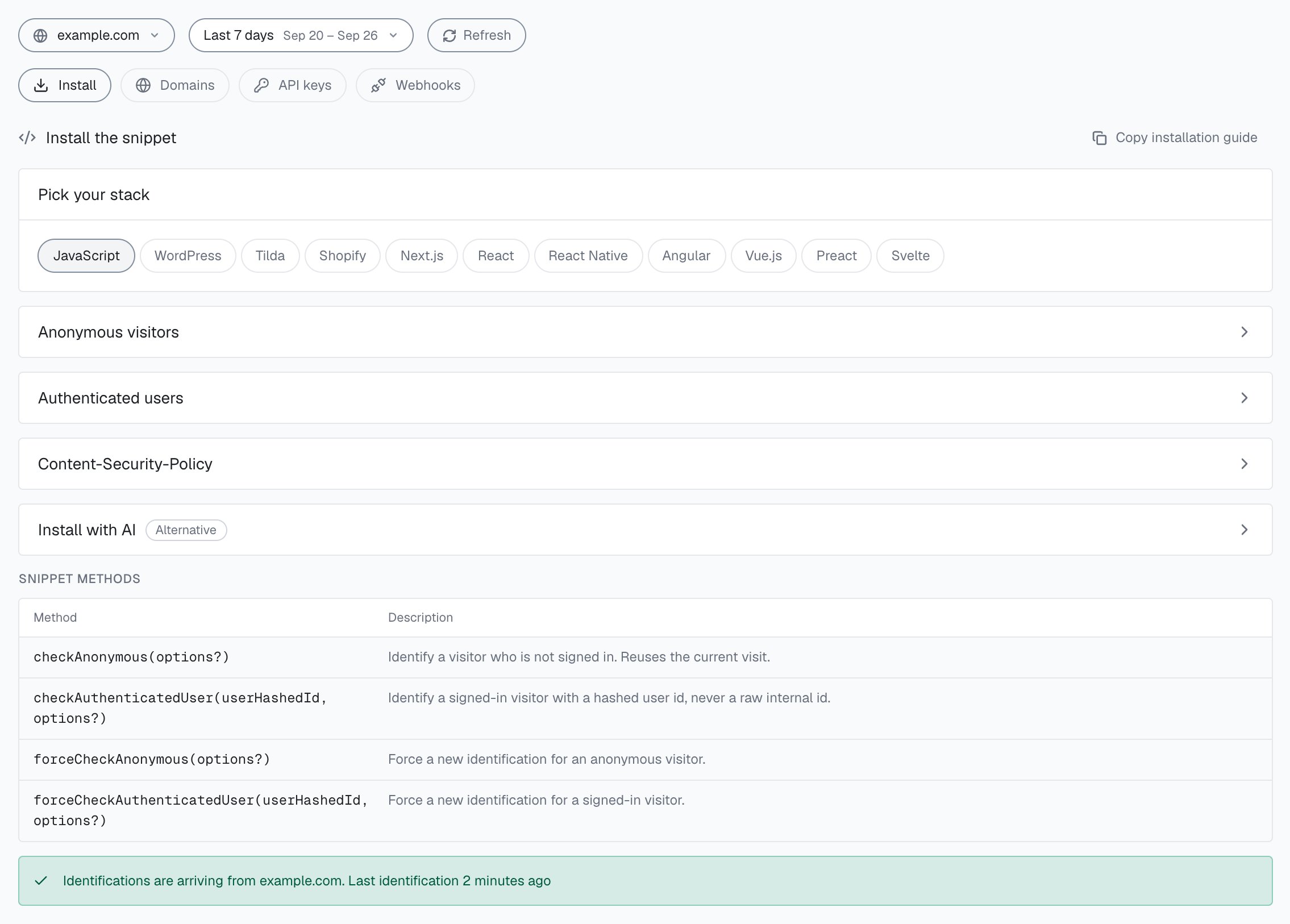
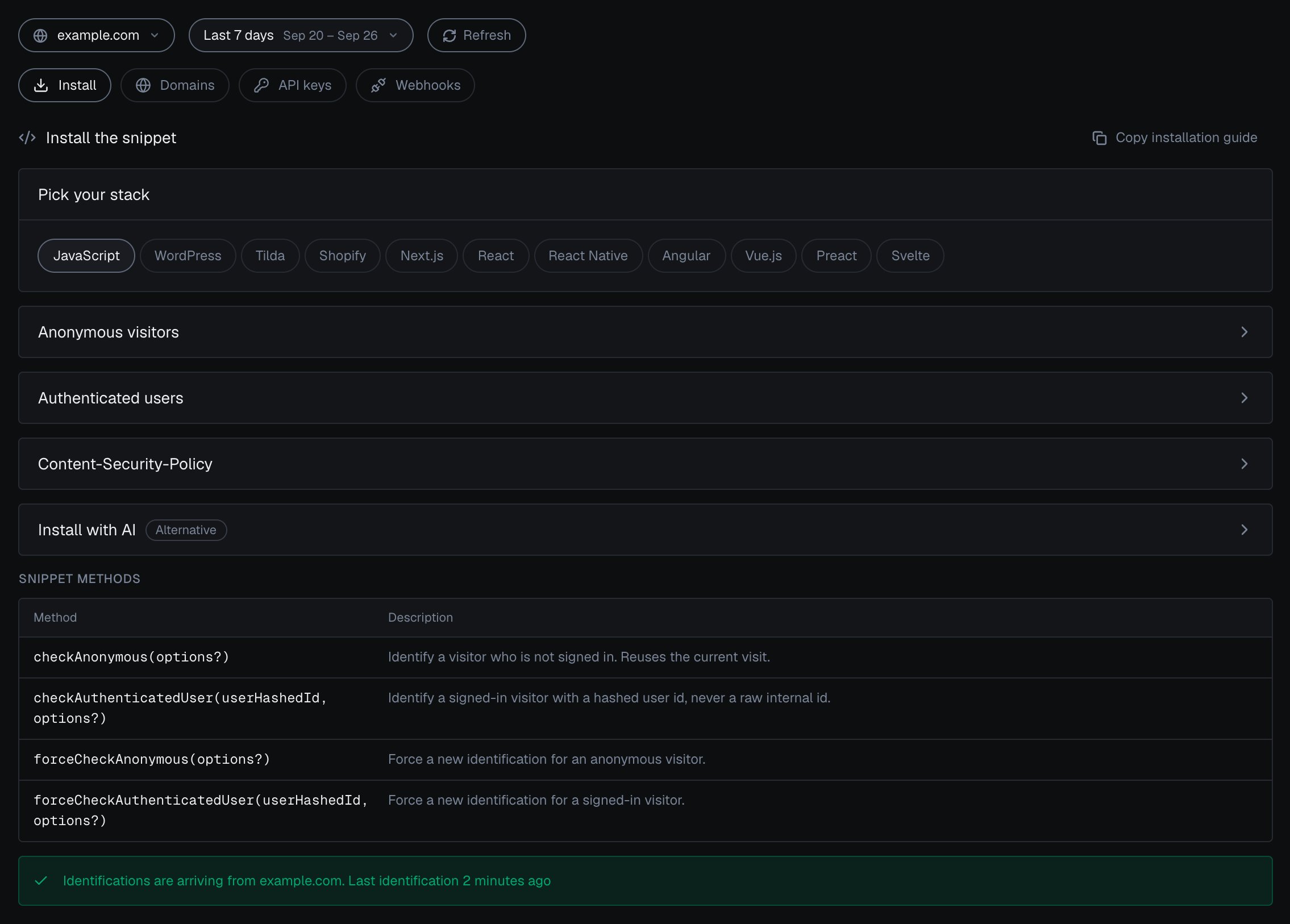
Integration > Install in the analytics dashboard: pick your stack, open the snippet for anonymous visitors or authenticated users, and check that identifications are arriving.
The
forceCheck* calls run an identification every time, keep the current Session ID and restart the five-minute window. Reach for them at the exact moment a decision is made, so the Risk Score is keyed to that action. Always pass a hashed or pseudonymous User HID to the authenticated calls, never a raw email or account id.
Plan for CSP and ad blockers
Two environment factors can stop the snippet from loading or reaching the data endpoints. Plan for both before launch.- Content Security Policy. If your site sends a strict CSP header, allowlist the ShieldLabs snippet host and data endpoints, or the module will be blocked. The exact
script-srcandconnect-srcentries are in Content Security Policy. - Ad blockers. Some blockers drop third-party requests, which can suppress identification for a slice of your traffic. The snippet is served only from
cdn.shieldlabs.ai, so plan for that slice when you read your numbers.
Next steps
Quickstart
Go from signup to your first identified user and a verified webhook carrying a live Risk Score.
Install the snippet
Add the ES module, identify signed-in users, and read the request ID in your framework.
Webhooks
Register your endpoint, verify the HMAC, and handle the single scored webhook.
Acting on results
Turn the Risk Score, its risk signals and the account’s history into an allow, step-up, review or block path.