

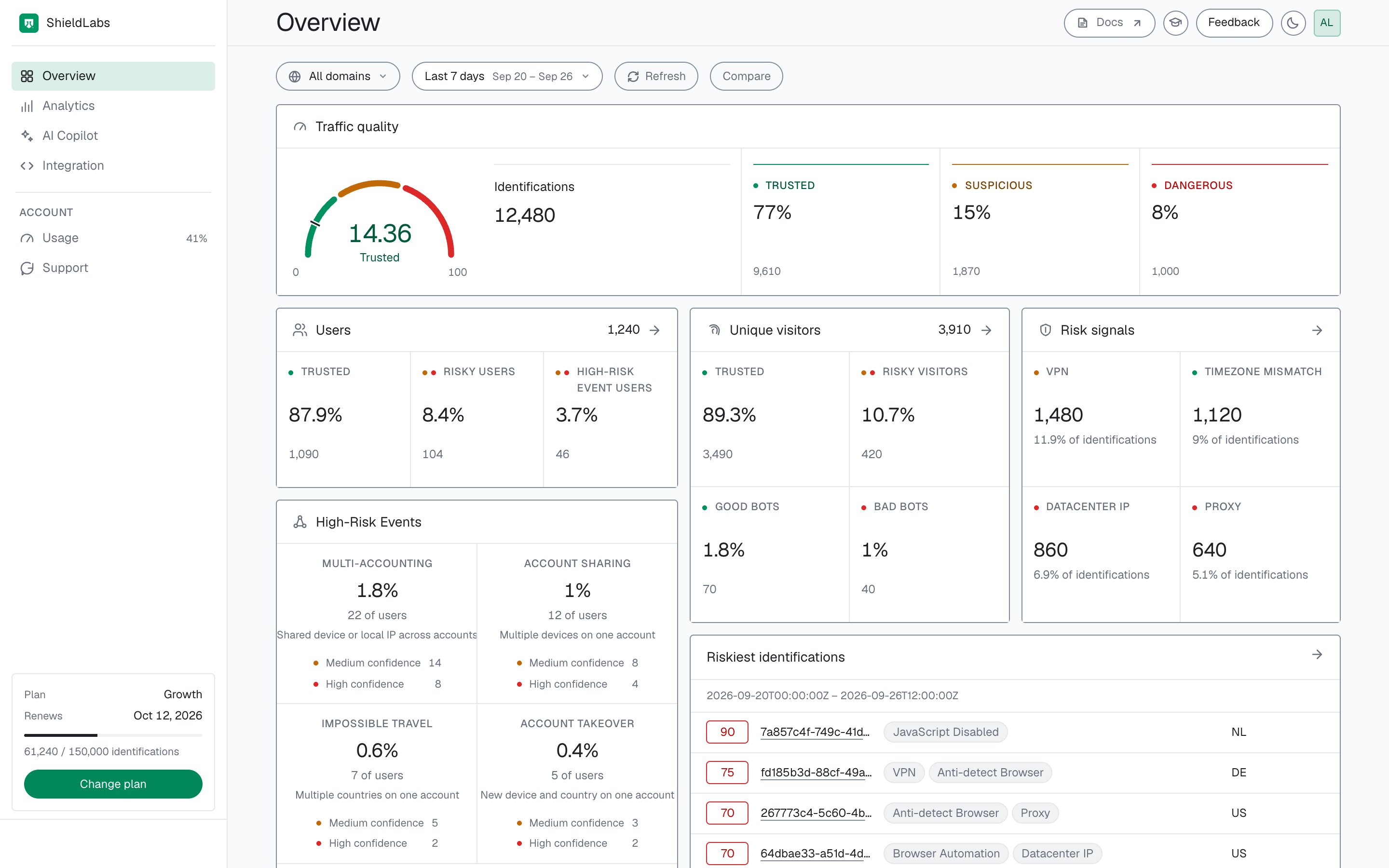
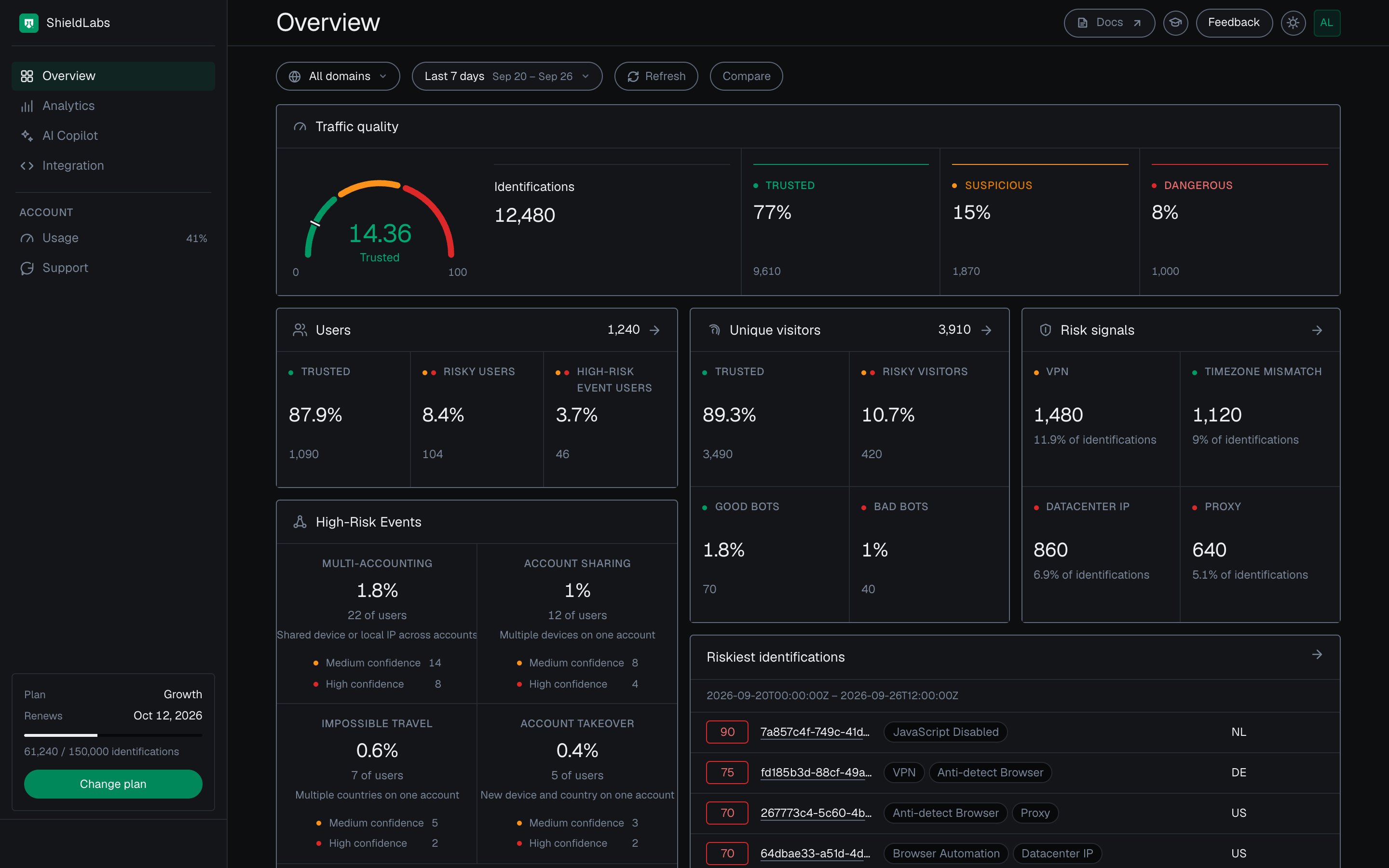
The Overview screen of the analytics dashboard: traffic quality, users, High-Risk Events and risk signals for the selected period.
Period and domain
The row at the top of the screen sets the scope of every figure below it.- Period: Today, Yesterday, Last hour, Last 24 hours, Last 7 days (the default), Last 30 days, Last 90 days, or Custom range. The period selector covers the last 90 days.
- Domain: All domains, or one of your domains.
- Compare: shows each figure’s change against the previous period of the same length. It is off by default.
- Refresh reloads the period. A New data hint appears when newer identifications have arrived.
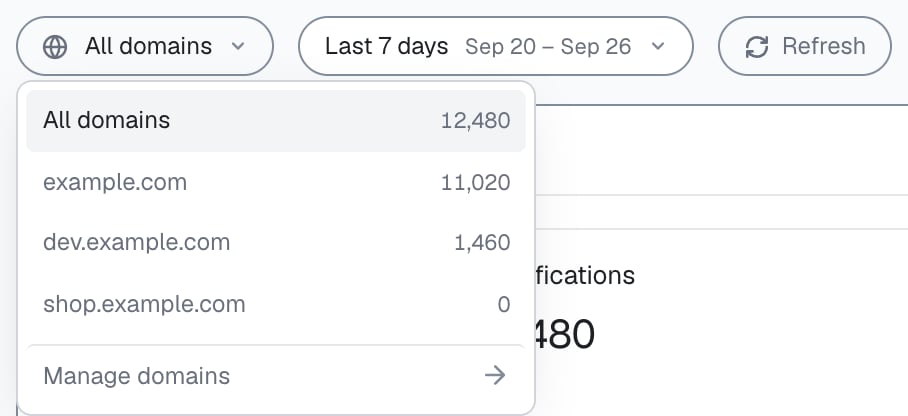
Pick the period and one domain or all domains in the analytics dashboard.
Traffic quality
The gauge shows the average Risk Score of the period’s identifications, with its band: Trusted (0 to 29), Suspicious (30 to 59) or Dangerous (60 to 100). Next to it, Identifications counts every identification in the period, and Trusted, Suspicious and Dangerous split them by band, each with its share. Together they answer the first question: how clean is my traffic in this period? Select a band tile to open those identifications in Analytics.

Traffic quality in the analytics dashboard: the average Risk Score of the period's identifications and their split across Trusted, Suspicious and Dangerous.
Users
The Users panel counts the accounts active in the period, keyed by the hashed User HID you pass withcheckAuthenticatedUser, in three groups that do not overlap:
- Trusted: every identification of the user in the period is Trusted, and the user has no High-Risk Event.
- Risky users: the user’s worst band in the period is Suspicious or Dangerous, and the user has no High-Risk Event.
- High-Risk Event users: the user has at least one High-Risk Event, whatever its band.
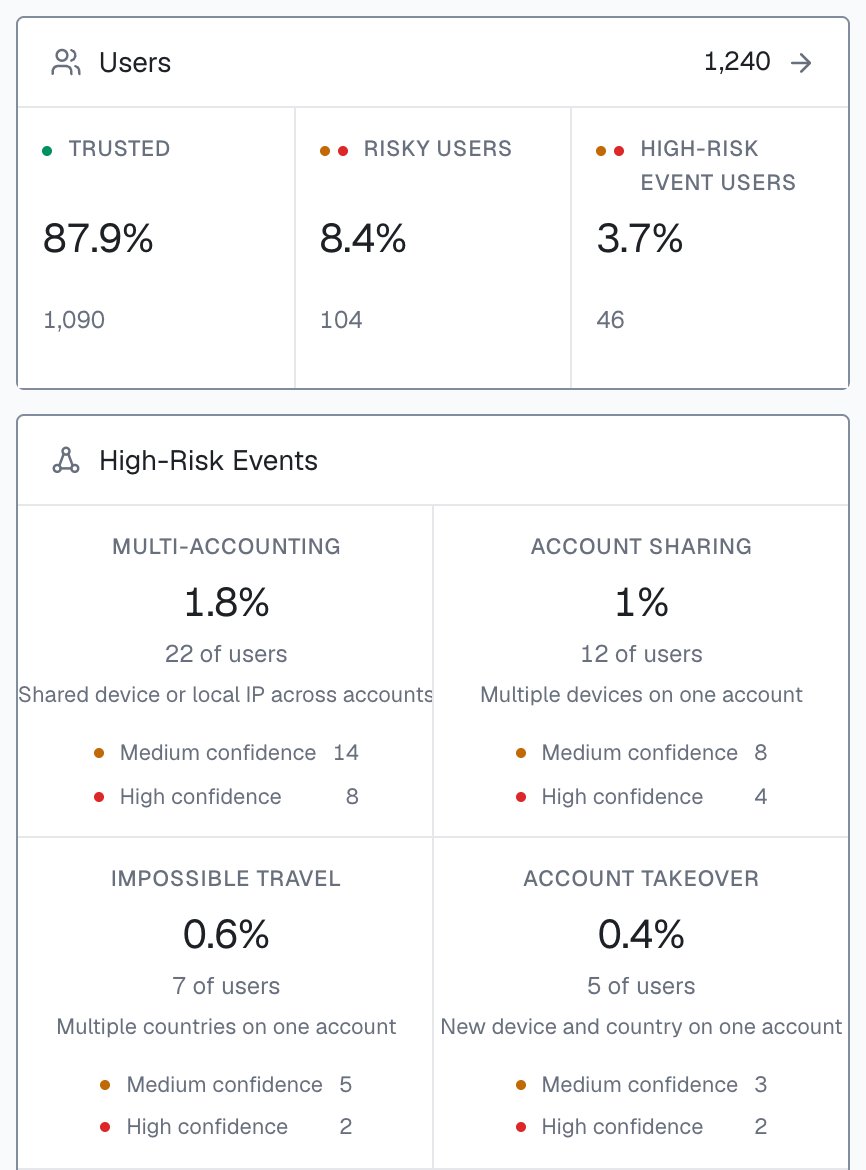
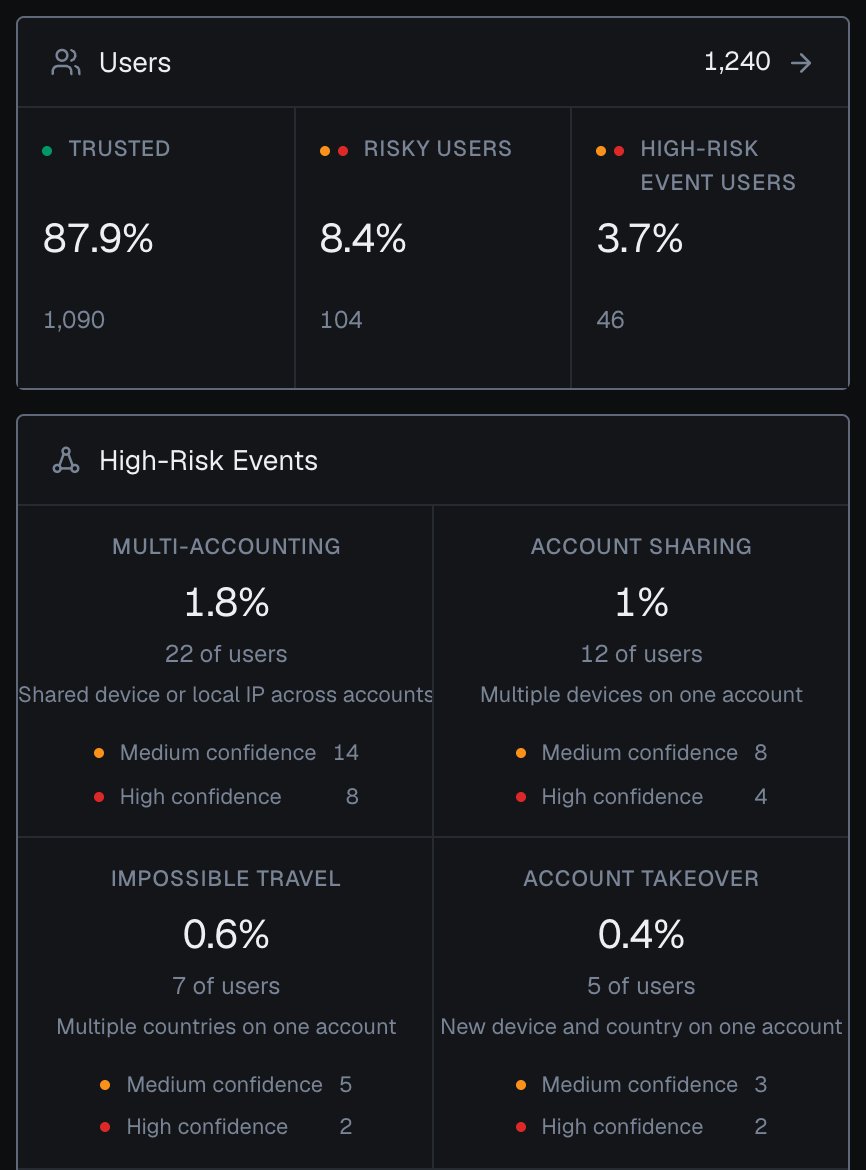
Users and High-Risk Events on the Overview screen of the analytics dashboard, counted for the users active in the selected period.
High-Risk Events
Four tiles, one per event, always in this order: Multi-accounting, Account sharing, Impossible travel and Account takeover. Each tile shows the share of users with the event, the number of those users, and how many of them sit at Medium confidence and at High confidence. Shares and counts are counted for the users active in the selected period. Confidence is a separate axis from the Risk Score and the band: a user can be Trusted on every identification and still have a Multi-accounting event. The line under the panel shows when High-Risk Events were last updated. Select a tile to open the identifications of those users in Analytics, filtered to that event; switch to the Users tab to review the users themselves.Unique visitors
A visitor is one device plus one cookie, identified by its Visitor ID. Trusted and Risky visitors split all the period’s visitors by their worst band, so the two add up to the panel’s total:- Trusted: the visitor’s worst band in the period is Trusted.
- Risky visitors: the visitor’s worst band in the period is Suspicious or Dangerous.
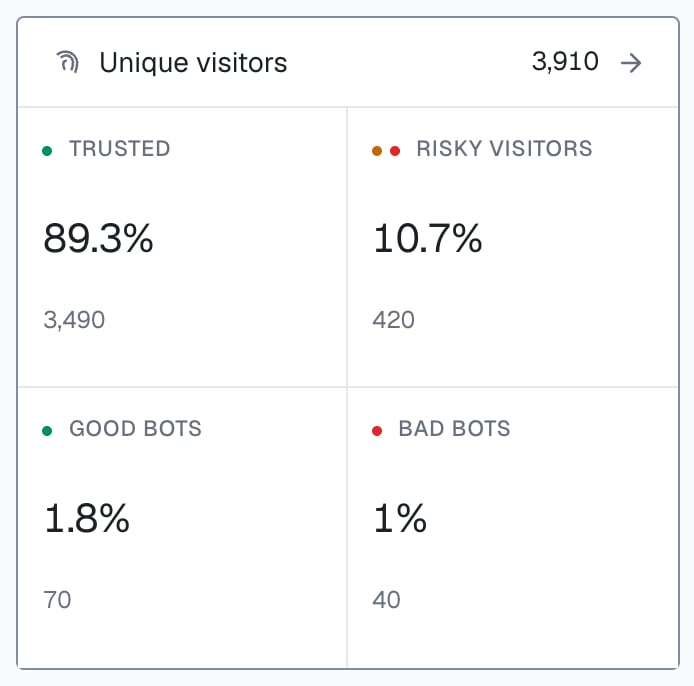
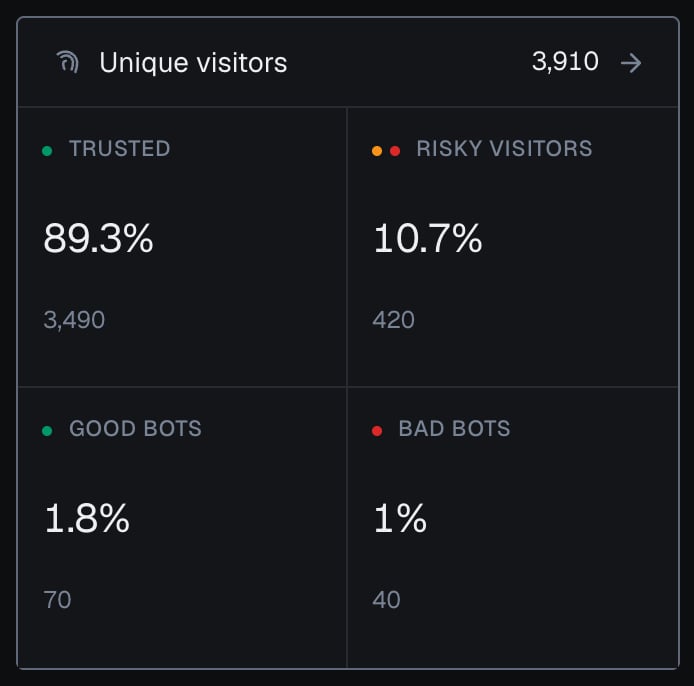
Unique visitors in the analytics dashboard: good bots are search-engine crawlers, bad bots are automated browsers.
Risk signals and riskiest identifications
Risk signals shows the four risk signals that fired on the largest share of the period’s identifications, each with its share and count. The arrow opens the full list with each signal’s Weight, Share and Identifications. One identification can fire several risk signals, so the shares do not add up to 100%. Select a signal to open its identifications in Analytics. Riskiest identifications lists the highest Risk Scores of the period, each with its request ID, its top risk signals and its country. Select a row to open its identification card; the arrow opens the Dangerous band in Analytics.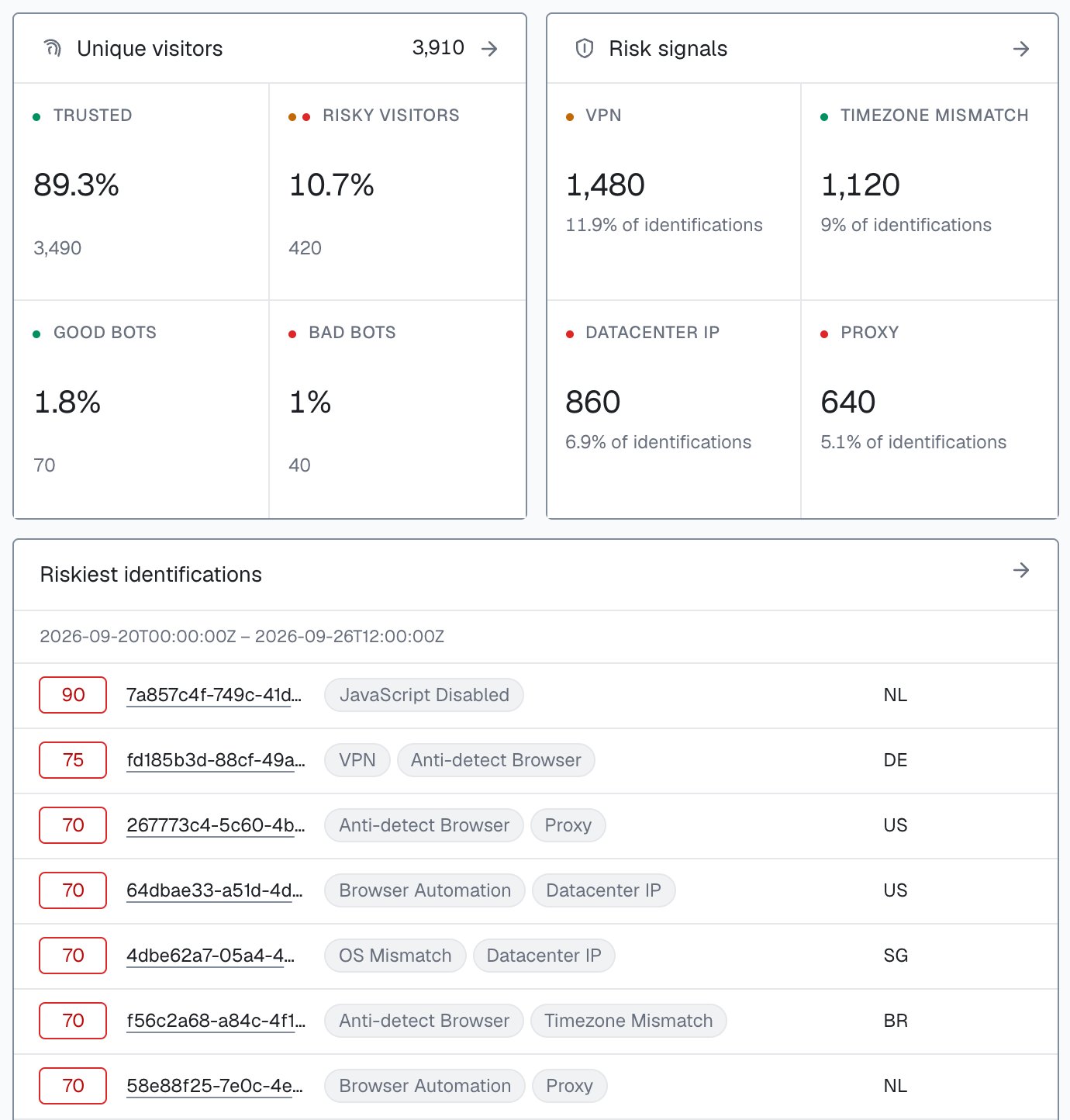
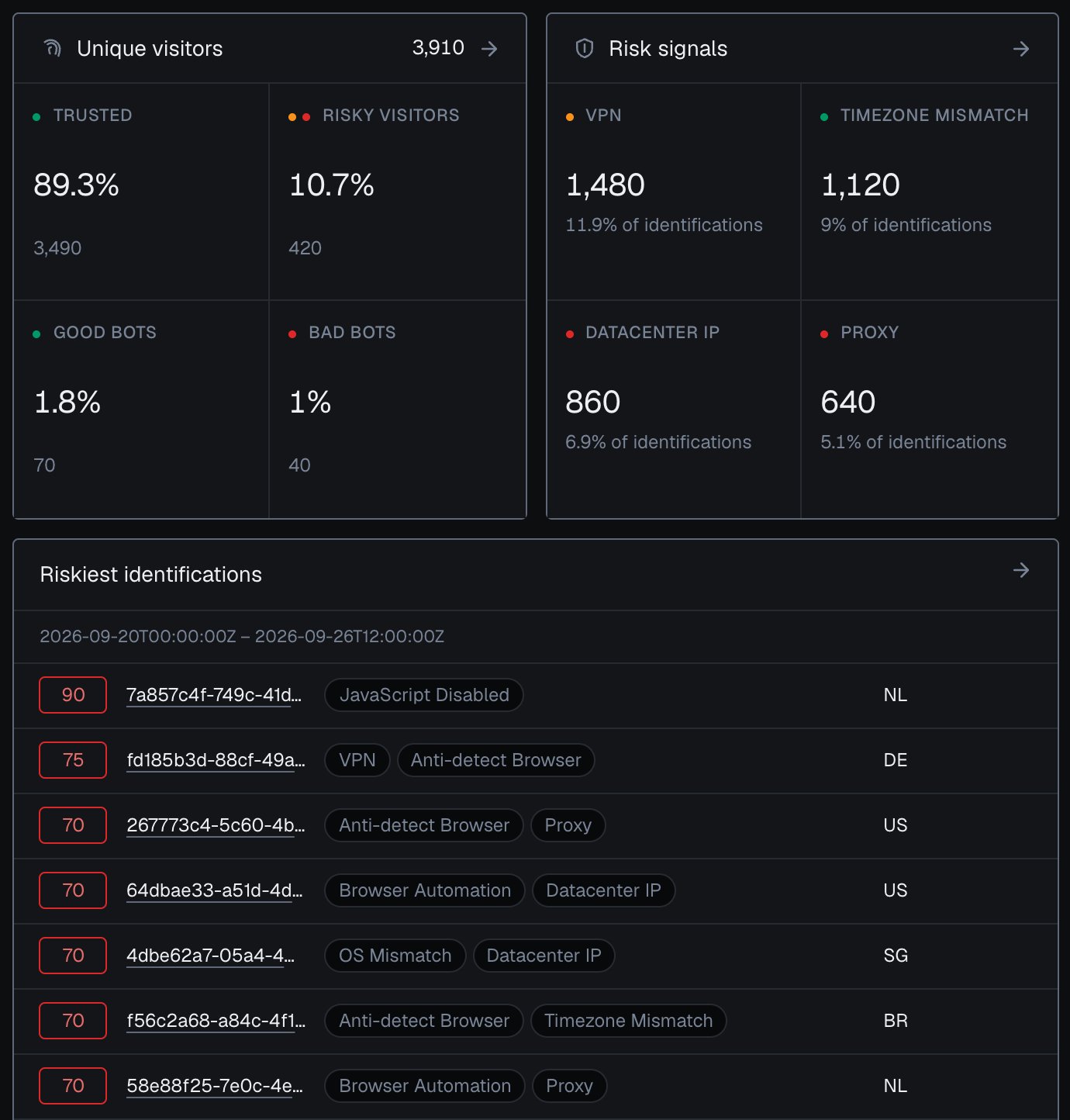
Risk signals and the riskiest identifications of the period in the analytics dashboard.
Top lists
Six lists show where the period’s identifications came from: Top countries, Top browsers, Top OS, Connection type, Top channels and Top device types. Each row carries its Identifications and its Risk, the average Risk Score of those identifications. The arrow in a list’s header opens the full list with Value, Share, Identifications and Risk, and each row opens Analytics filtered to that value. The channel values are listed on Traffic Analytics.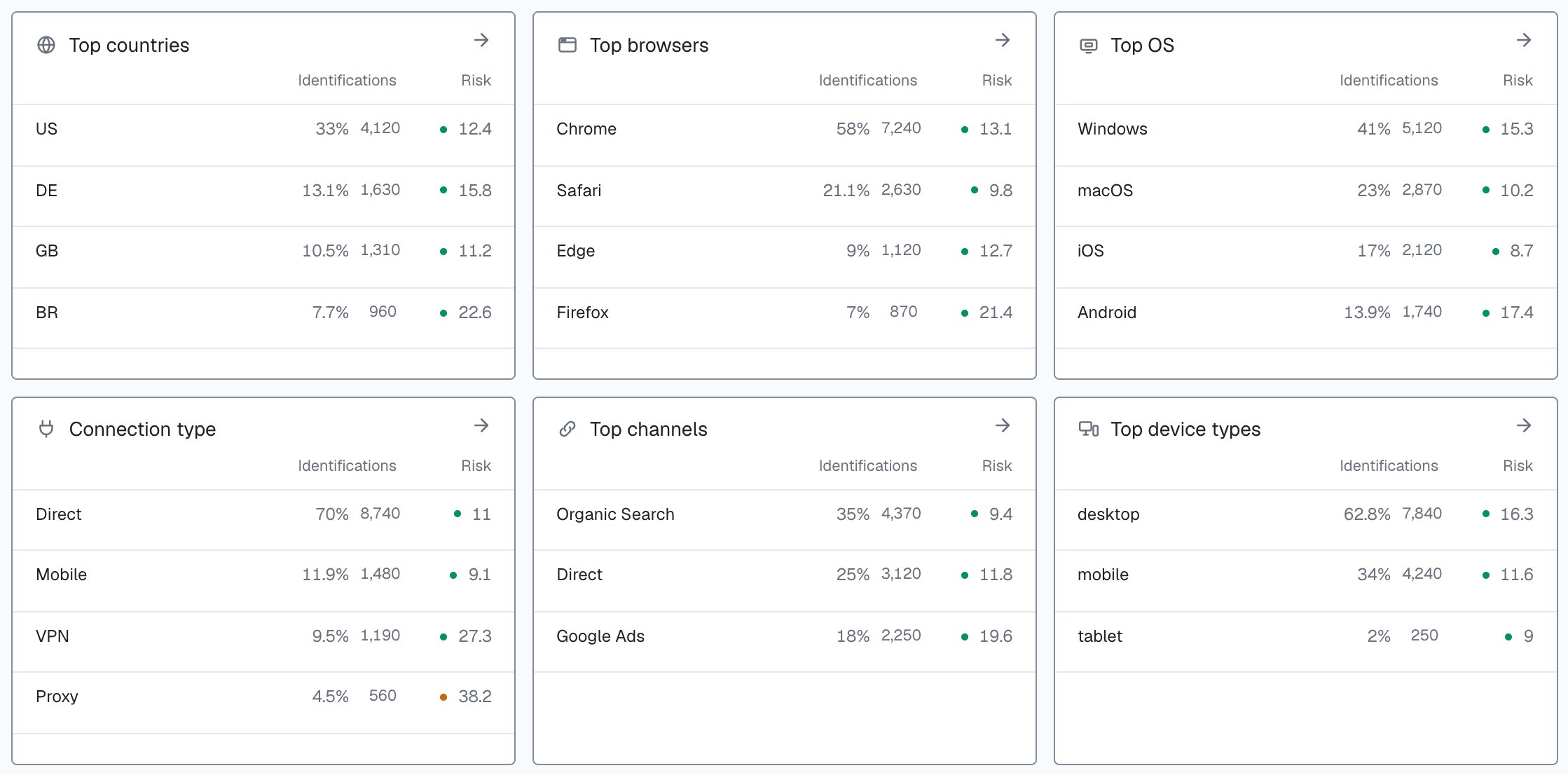
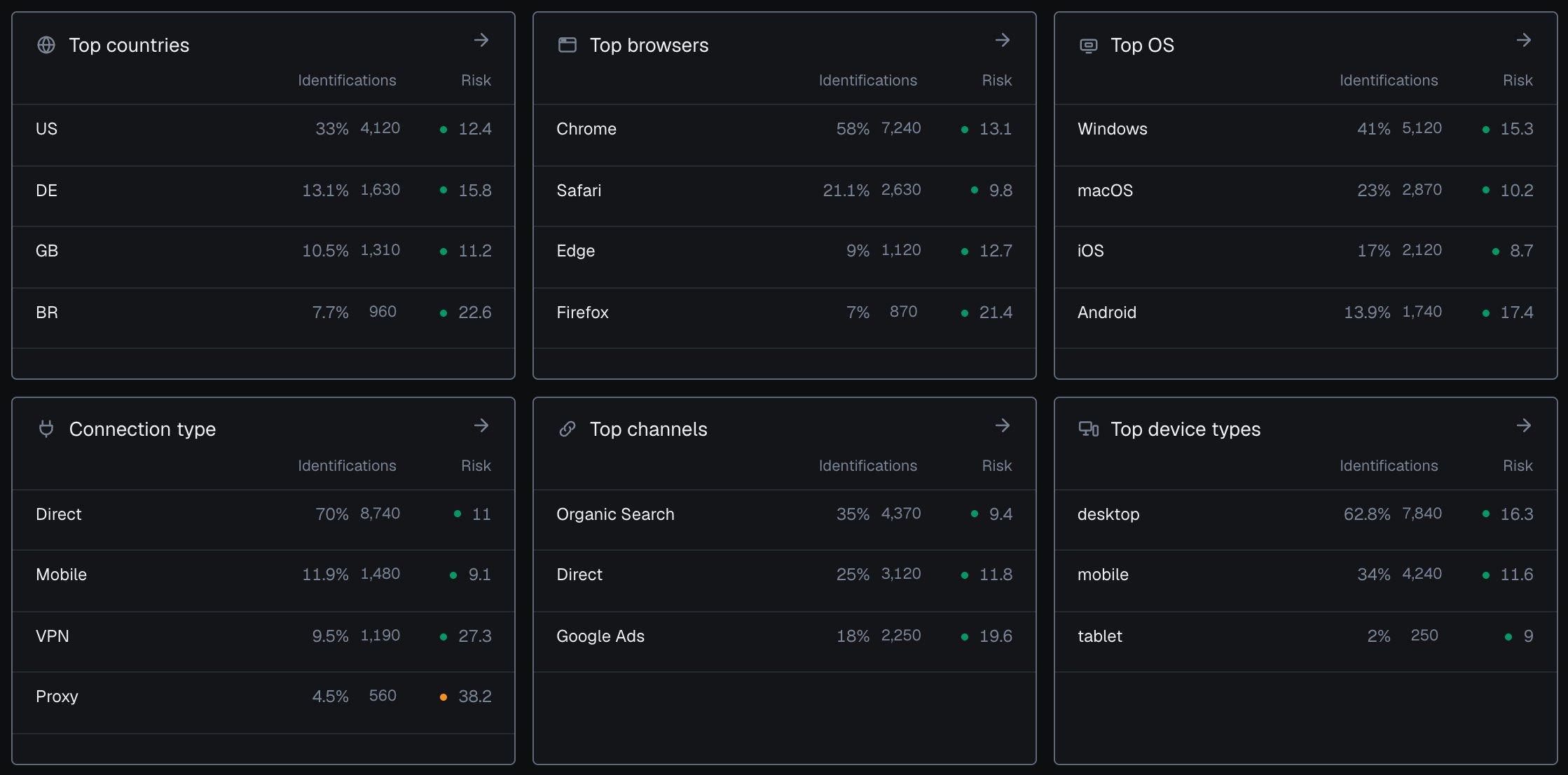
Top channels, countries, browsers, OS, connection types and device types in the analytics dashboard, each with its average risk.
Empty states
- Before the first identification. The panels stay empty until the snippet reports. Open Integration and check that your domain shows Reporting.
- No User HID in the selection. The Users and High-Risk Events panels say that the selection has no hashed User HID, and the rest of the screen works as usual. Pass a hashed User HID with
checkAuthenticatedUseron every signed-in page. Users, account-level risk and all four High-Risk Events are built on it. See Identify signed-in users. - Nothing in the period. Pick a longer period or another domain.