Learn how to detect and prevent ban evasion by banning every device a banned account used, so a cleared cookie or a fresh account cannot get them back in.
A banned user comes back two ways, and ShieldLabs covers both. They can mask the connection behind a VPN, proxy, or anti-detect browser, and the Risk Score (0-100) and risk signals flag that masked return even on a new device. Or they can look new without hiding, by clearing cookies, opening an incognito window, or registering a fresh account. Each resets the Visitor ID, but the durable, server-derived Device ID does not move. Ban every device the banned account used, and read the Risk Score on whatever comes back.
Ban evasion is when a user who has been banned, suspended, or blocked returns to a service under a new identity: by clearing cookies, opening an incognito session, registering a fresh account, or masking the connection behind a VPN, proxy or anti-detect browser. The new session looks unrelated to the old one even though the same person, and often the same hardware, is behind it.
ShieldLabs resolves each identification to a set of identifiers, joined by the request_id: the Visitor ID (one device plus one cookie), which the evader resets by clearing cookies, and the durable Device ID, which holds. A cleared cookie creates a new Visitor ID, a VPN supplies a new public IP and an incognito window looks like a first-time visitor, so none of those is a banlist key. The Device ID is: it is computed on the server from stable device characteristics rather than read from a cookie, so the same browser returns the same Device ID after a cookie wipe, in incognito and through IP changes. Pair it with local_ip.ip, the address the browser itself reports, which can differ from public_ip.ip behind a VPN or proxy. When the two addresses differ, detection_flags.ip_mismatch is true; the flag is informational, adds nothing to the Risk Score and can be ordinary on mobile networks, so compare local_ip.country with public_ip.country rather than branching on the flag alone.The account is the unit you ban. Read the banned account’s identifications by user_hid and every Device ID it has used goes on the banlist, not only the device of its last session; the other accounts seen on those devices are the next ones to review.
A different browser on the same machine gets its own Device ID, and a wiped or materially changed device can produce a new one, so treat device-level counts as estimates and pair the Device ID with the local IP.
The play is one banlist lookup at the start of every session, keyed on what the returning user cannot easily change. At ban time, record every Device ID the banned account has used and every local IP you recorded for it; on each session read the incoming Device ID and local_ip.ip, plus the detection_flags for a quick masked-return branch. The banlist policy: if the incoming Device ID is on your device-level banlist, block it; if only the local IP matches, review it (a shared router or office NAT can be innocent); if neither matches but the session is masked (an anti-detect browser, browser automation, or a local IP country that differs from the public one), review it. The outcome: a banned user who clears cookies, opens an incognito window, or rotates a VPN still lands on the same Device ID and gets stopped at the door, while honest visitors on shared networks only get a softer review.
Start Free with 5,000 identifications, one time, no credit card, or log in. In the analytics dashboard, add the domain you want to protect under Integration > Domains, then open Integration > API keys and copy its keys with the copy button next to each. The Public Key loads the snippet in the browser. Keep the server credentials on your backend: the Private API Key reads the History API, and each webhook endpoint has its own whsec_… signing secret. See API keys and Integration.
2
Identify the session before you trust the cookie
Load the snippet and call forceCheckAnonymous at the start of every session, so the Device ID and local IP are available before you read the cookie or even know which account this is. A plain checkAnonymous would skip a repeat check in the same visit within five minutes; each forced call counts as one identification. Once the user signs in, pass the hashed User HID with checkAuthenticatedUser on the signed-in pages: the ban step below reads the account’s devices by it.ShieldLabs POSTs one webhook per identification; verify X-Shield-Signature on the raw body, then cache the result keyed by request_id. That handler is the shared scoreCache / waitForScore helper defined once in the Use Case Tutorials. It returns the webhook data object with local_ip and detection_flags; when it falls back to the History API there is no local_ip, so treat a missing value as unknown, not clean. History has no Local IP search either, so record the local IPs of each signed-in account from its webhooks as they arrive; the ban step below reads them from your store.
3
Record device keys at ban time
When you ban a user, persist what travels with the account. The cookie and the account both reset on demand; the Device IDs the account has used and the local IPs you recorded for it are what a returning user has to keep using.
api/ban-user.js
// Call it from your webhook handler for each identification.scored webhook,// after the signature check. History has no Local IP search, so keep each// signed-in account's local IPs in your own store as the webhooks arrive.async function recordLocalIp(data) { if (data.user_hid && data.user_hid !== 'anonymous' && data.local_ip?.ip) { await localIpsByAccount.add(data.user_hid, data.local_ip.ip); }}// At ban time, ban what travels with the account, not only its last session.async function banUser(accountId, userHid, reason) { await markAccountBanned(accountId, reason); // Every device this account has used: the shared accountView helper reads the // account's identifications by user_hid (newest 100; page with offset for // long-lived accounts). The all-zero Device ID is never counted as a device. const account = await accountView(userHid); for (const deviceId of account.devices) { await banlist.addDevice(deviceId, { accountId, reason }); } // Every local IP you recorded for the account, as a soft key. It is the // address the browser itself reports, which often stays the same when a VPN // or proxy rotates the public IP. for (const localIp of await localIpsByAccount.get(userHid)) { await banlist.addLocalIp(localIp, { accountId, reason }); }}
Other accounts already seen on those devices are the next ones to review: the shared accountsBehindDevice helper counts them from the History API by device_id.
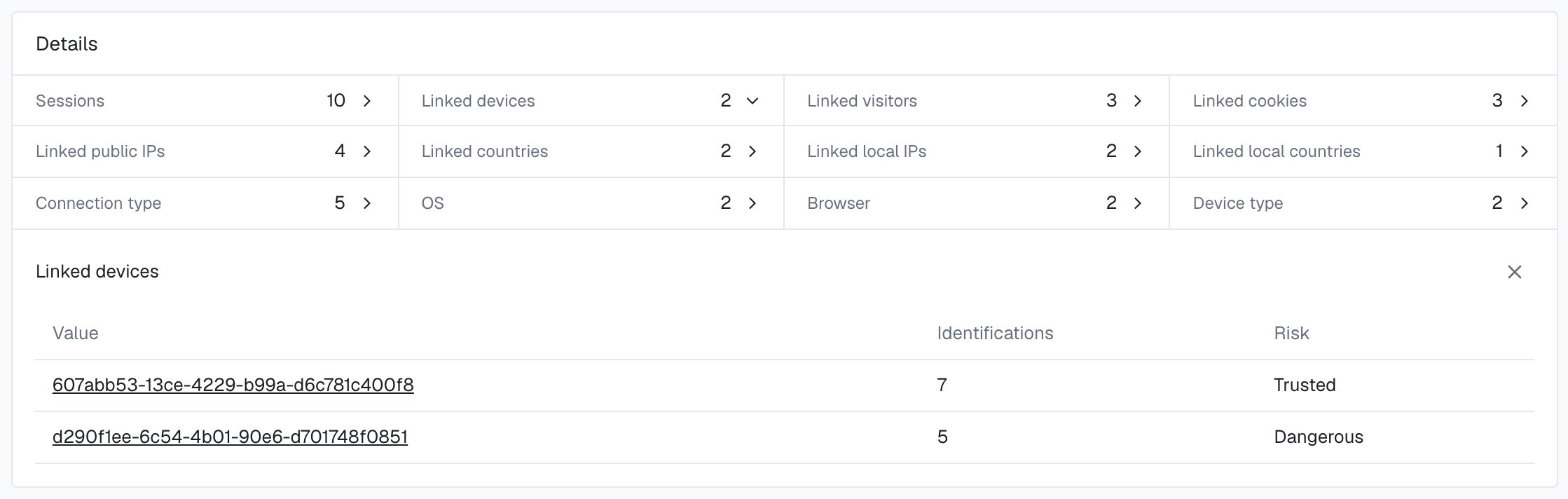
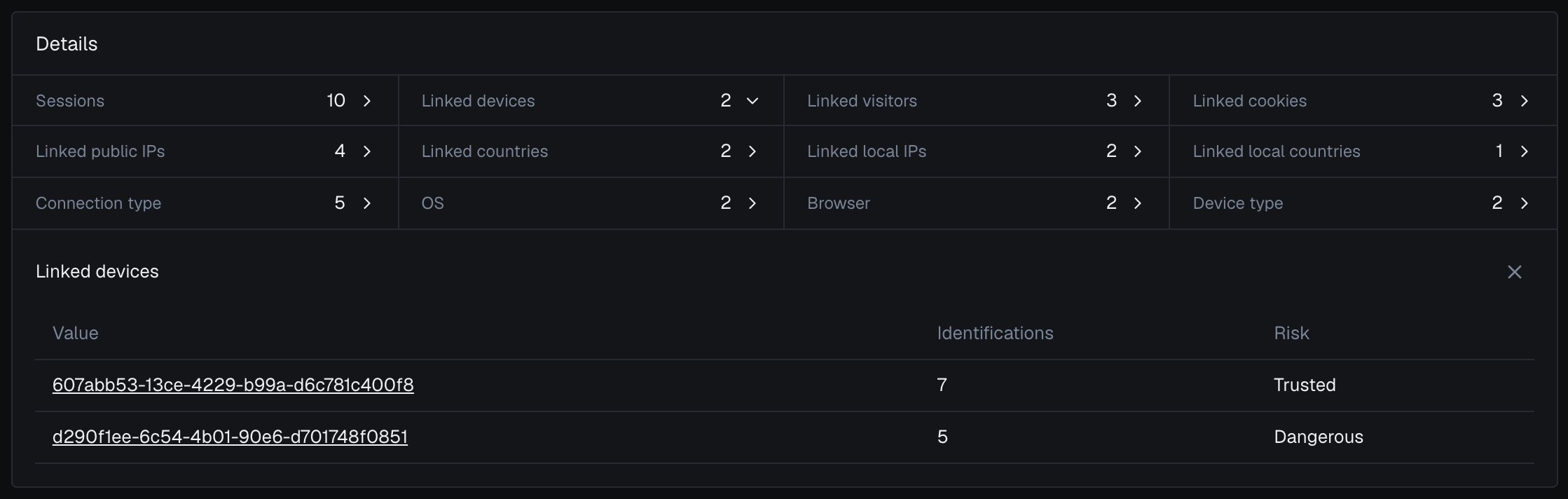
The devices linked to one user in the analytics dashboard, with the band of the identifications they share.
4
Check the banlist before the cookie
On every session, look up the incoming Device ID first. A banned Device ID arriving under a fresh Visitor ID is the tell that someone cleared storage to get back in. Block on a device match; only review on a local-IP match, since a shared office router or home NAT can be innocent.
api/session-open.js
app.post('/api/session-open', async (req, res) => { const { shieldlabsRequestId } = req.body; // Session start is a guest flow: there is no User HID to match yet. const risk = await waitForScore(shieldlabsRequestId, 2000); if (!risk || risk.risk_score > 100 || risk.device_id === NIL_DEVICE) { // No identification, the 999 rate-limit marker, or no usable device // signals: route to review, never auto-ban and never auto-allow. return res.json({ action: 'review', reason: 'device_unknown' }); } const deviceId = risk.device_id; const localIp = risk.local_ip?.ip; // the address the browser reports; often stable when the public IP rotates const flags = risk.detection_flags ?? {}; // The core check: is this device on the banlist, whatever the cookie says? if (await banlist.hasDevice(deviceId)) { return res.json({ action: 'block', reason: 'banned_device_returned' }); } // Defense in depth: same local IP as a banned session, on a new device. // Weaker on its own (a shared router, an office NAT), so review, do not block. if (localIp && (await banlist.hasLocalIp(localIp))) { return res.json({ action: 'review', reason: 'banned_local_ip' }); } // A masked return on a new device. detection_flags holds the booleans, // including informational ones such as ip_mismatch, so compare the two IP // countries rather than branching on that flag alone. const countryDiffers = risk.local_ip?.country && risk.public_ip?.country && risk.local_ip.country !== risk.public_ip.country; if (flags.anti_detect_browser || flags.browser_automation || countryDiffers) { return res.json({ action: 'review', reason: 'masked_return' }); } return res.json({ action: 'allow' });});
5
Route the all-zero Device ID to review
An all-zero Device ID (00000000-0000-0000-0000-000000000000) means no usable device signals reached ShieldLabs for that identification; the rate-limit marker (Risk Score 999) is one such case. Route it to review rather than allowing it. Never auto-ban it: many unrelated identifications share it, so a ban would collapse many distinct visitors onto one key and lock out a whole class of clients. Send it to manual review, weighed with the local IP and your own context, and treat a session that arrives with no identification at all the same way. (An anti-detect browser that still runs is different: it produces a real, non-zero Device ID and carries its own anti-detect weight on the score.)
6
Feed High-Risk Events into your banlist and tune
The per-session lookup stops a known device at the door; High-Risk Events show the evasion shape across accounts. When a Multi-accounting event arrives for a user through the API or webhooks, or when you review it in the analytics dashboard, add the devices and local IPs linked to that user to your banlist as a watchlist (see below). An Account takeover event means the account’s owner is the one at risk: step up that account’s next sign-in, and add to the banlist only the device you confirm as someone else’s after review, never every device linked to the user. Start in logging-only mode before you turn on hard blocks.
Confirm the key holds before you trust it. Identify a session in your browser and note the Device ID, then clear cookies (or open an incognito window) and identify again: the Visitor ID changes but the same Device ID comes back. Repeat from behind a VPN to see the connection signals fire on the score while the Device ID stays put. A second, different browser on the same machine gets its own Device ID, which is why you pair it with the local IP and ban every device the account used.
ShieldLabs detects the account-level evasion shapes on your users as High-Risk Events, each at Medium or High confidence, and they are available in the analytics dashboard, the API and webhooks. Events are keyed on the User HID, so pass the hashed account id with checkAuthenticatedUser. Two map to ban evasion:
Multi-accounting
Several accounts run by one person, linked through the devices and network they share: the shape of a banned user who keeps registering fresh accounts from the same device or network.
Account takeover
An existing account appearing in a new environment that points to someone else using it: a banned user coming back through an account that is not theirs.
An environment cycled between sessions to look new each time shows up on the score through the risk signals, including anti-detect browser detection. Add the devices linked to users with a Multi-accounting event to your banlist as a watchlist; for Account takeover, ban only the devices you confirm as someone else’s. The History API returns every device an account has used, by user_hid. The acting guide walks through the review.
You can also check what a device has done from the History API. Read by device_id to see every identification and account that device has touched, newest first.
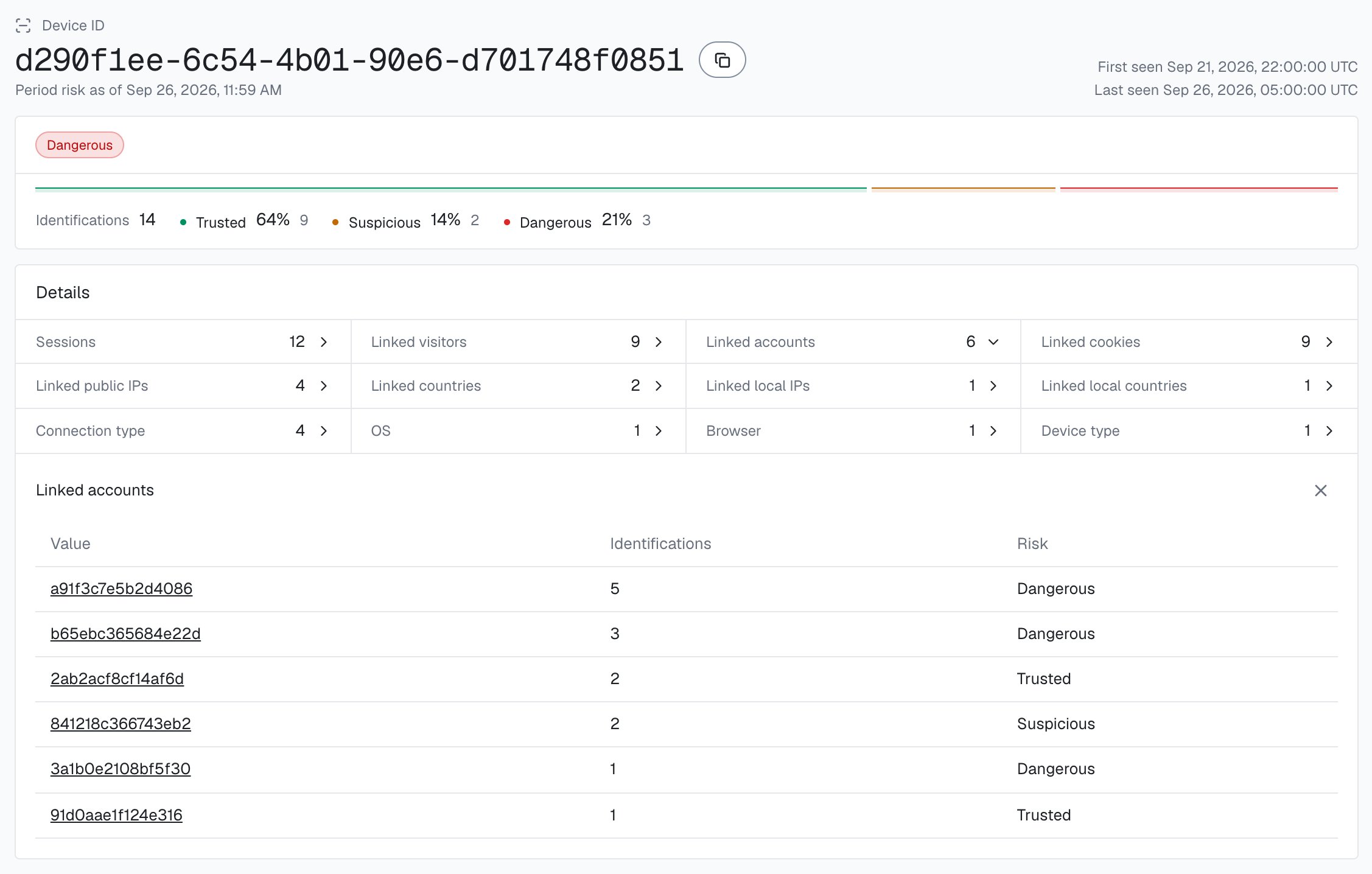
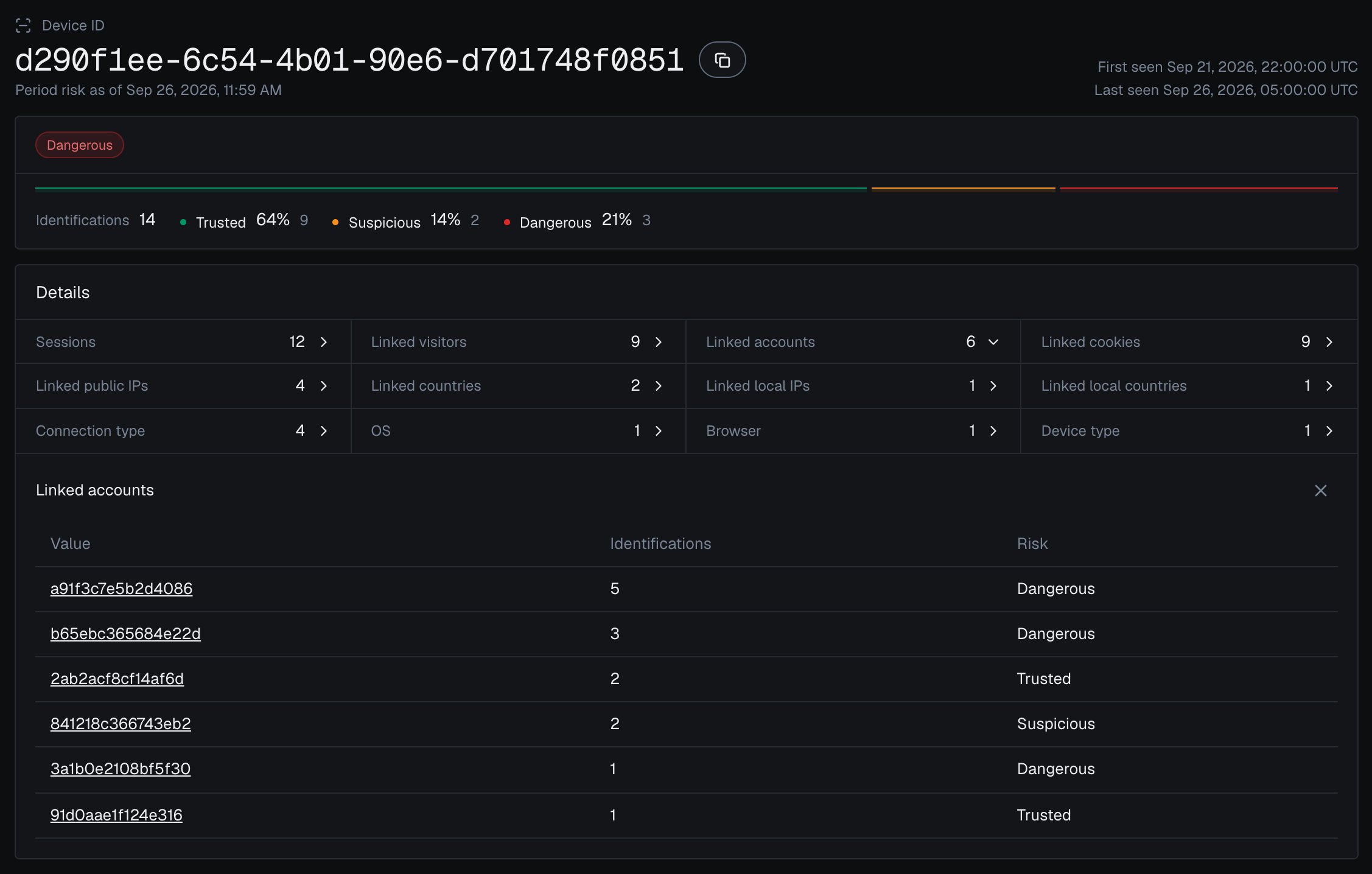
One Device ID in the analytics dashboard, with every account linked to it.
// A banned device coming back under brand new accounts confirms the evasion.if (await banlist.hasDevice(deviceId)) { const accounts = await accountsBehindDevice(deviceId); // "anonymous" is not counted flagForReview(deviceId, { accounts, note: 'banned device active under new accounts' });}
History reads on account.shieldlabs.ai and webhook delivery are free. Lean on the per-session banlist lookup and High-Risk Events for routine enforcement.